10-8
Troubleshooting > Cleaning
2
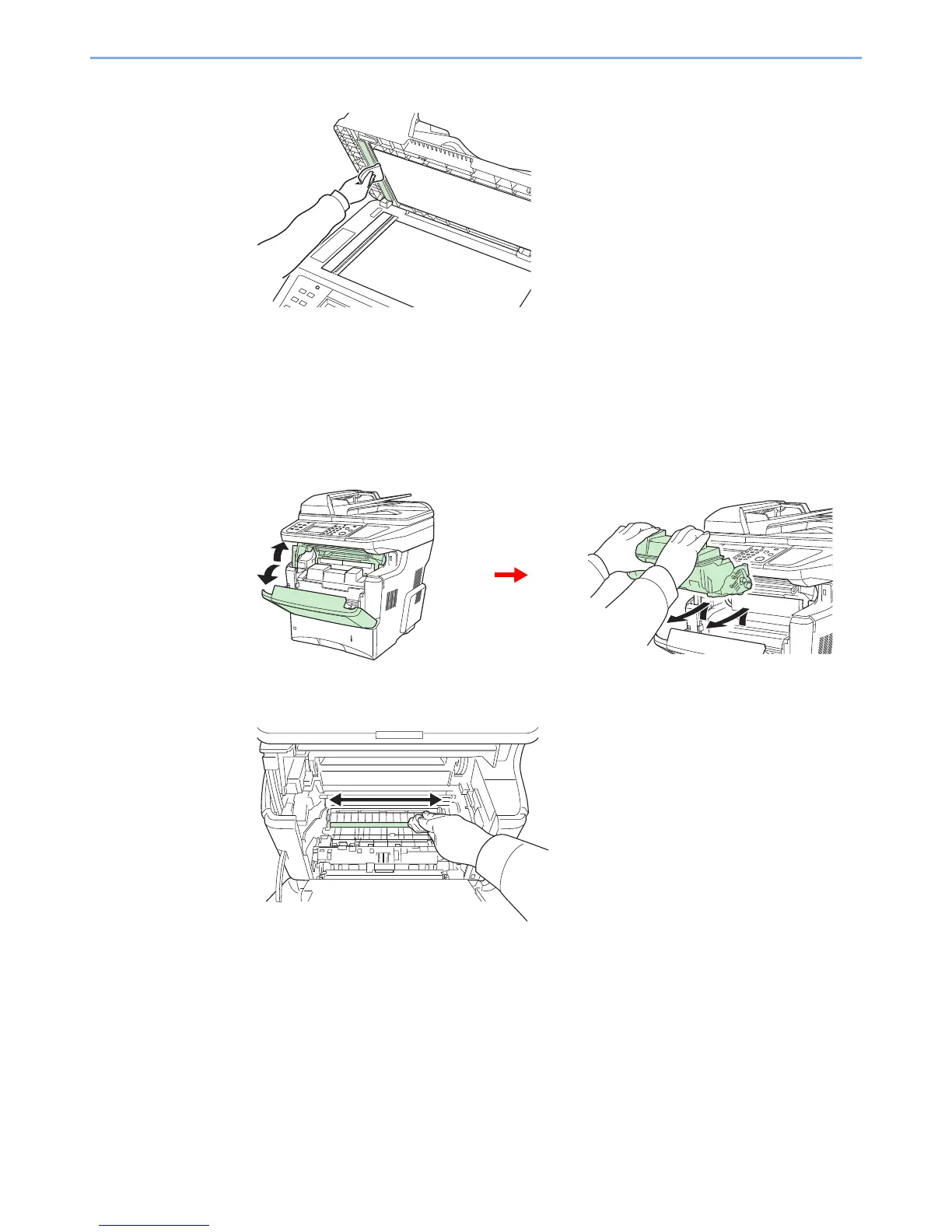
Wipe the white guide.
Machine
To avoid print quality problems, the interior of the machine must be cleaned with every toner container and waste toner
box replacement.
1
Wipe the registration roller.
1
Lift the developer unit together with the toner container out of the machine.
2
Use a lint free cloth to clean dust and dirt away from the registration roller (metal).


 To Next Page
 Loading...











