10-2
Troubleshooting > Toner Container Replacement
Toner Container Replacement
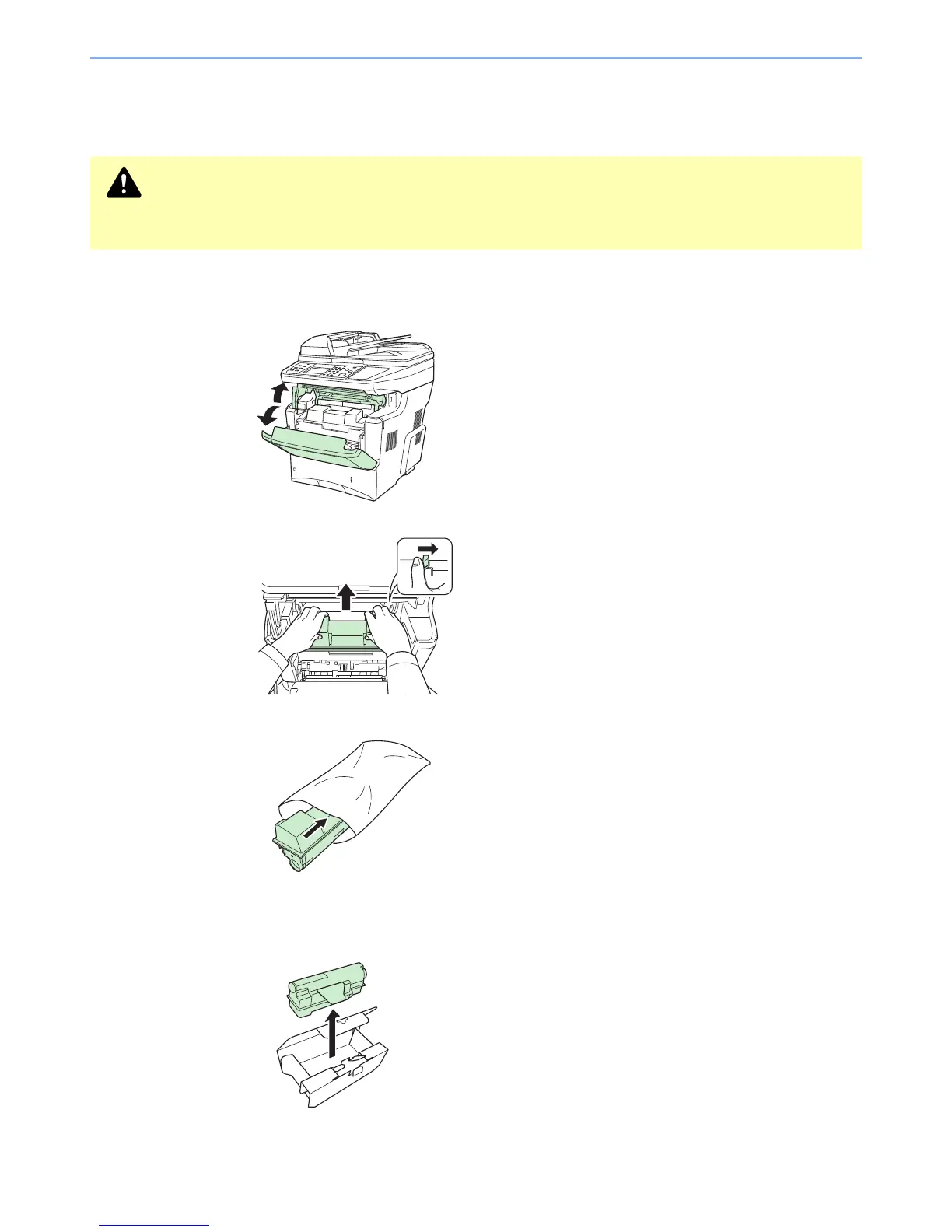
When the touch panel displays Toner is empty., replace the toner.
1
Remove the old toner container.
1
2
3
2
Prepare the new toner container.
1
CAUTION
Do not attempt to incinerate the toner container or the waste toner box. Dangerous sparks may cause
burns.


 To Next Page
 Loading...










