3-35
Common Operations > Using Various Functions
Using Various Functions
This section describes common functionality that can be configured for copying, sending, and the document box.
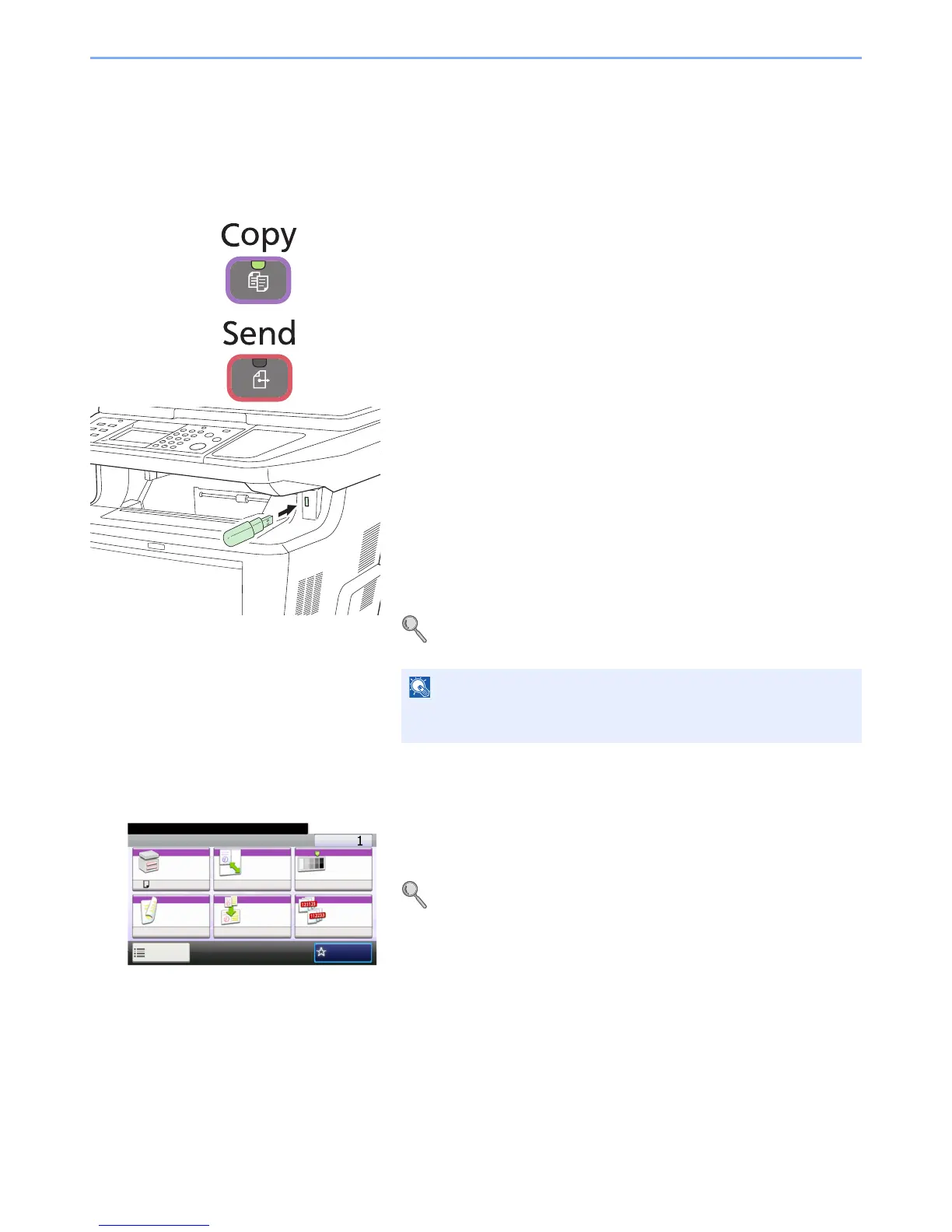
1 Display the screen.
Press the key of each function.
When using USB memory, plug it into the USB memory slot .
Press [Yes] on the displayed screen.
When printing from USB memory, select the file to be printed and press
[Print].
When storing a document to USB memory, select the folder where the
file will be stored and press [Menu] and then [Store File].
For details, refer to Printing Documents Stored in Removable USB
Memory on page 7-2 or Saving Documents to USB Memory (Scan to
USB) on page 7-5.
2 Select the functions.
Select the functions to use.
Press [Functions] to display all the functions.
Refer to Common Functionality on page 3-36.



 To Next Page
 Loading...










