3-8
Common Operations > Loading Paper
2
Load paper.
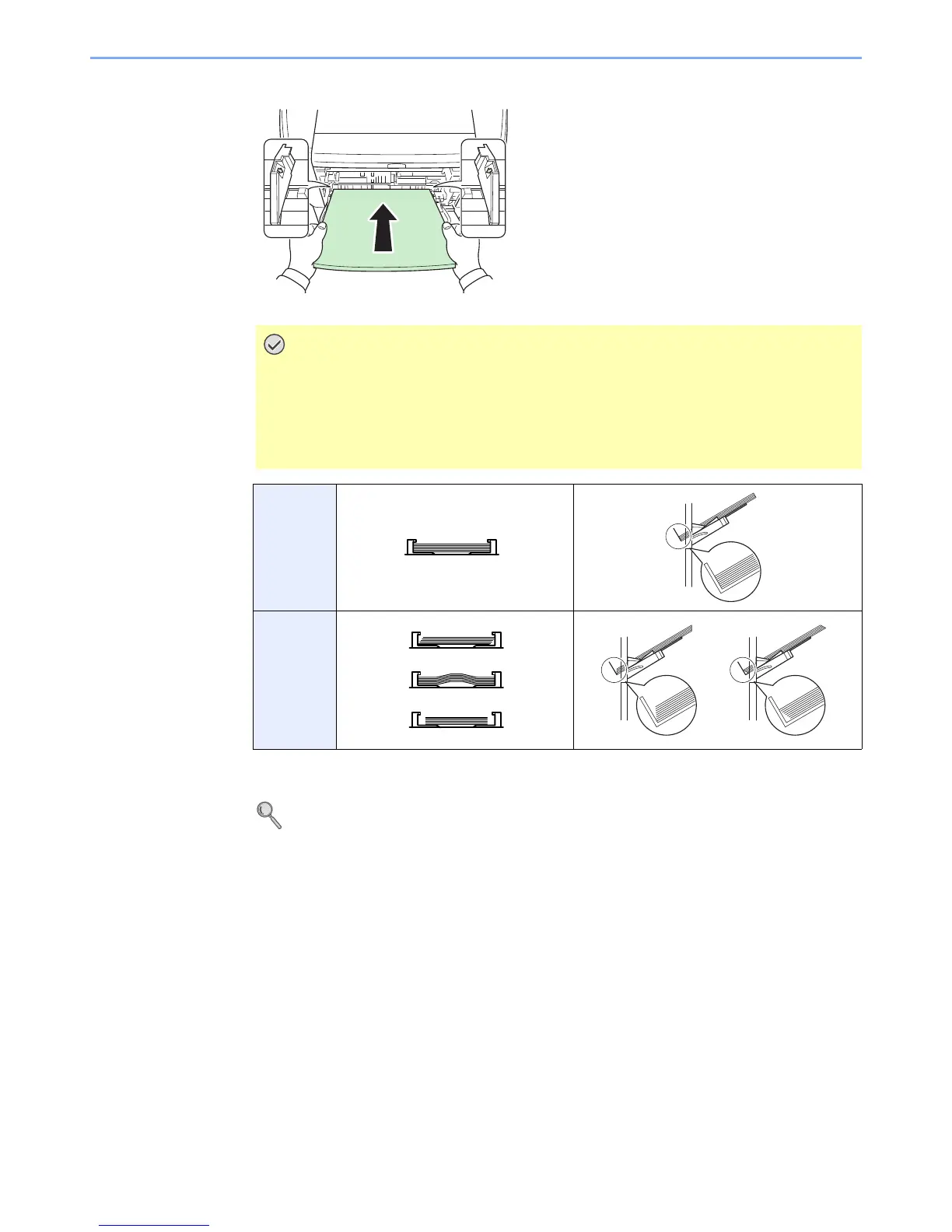
Insert the paper along the paper width guides into the tray until it stops.
3
Specifying Paper Size and Media Type for the Multi Purpose Tray.
Refer to Quick Setup Wizard on page 3-31.
Curled paper must be uncurled before use.
Do not load paper above the triangle mark located on the width guide.
If the paper is considerably curled in one direction, for example, if the paper is
already printed on one side, try to roll the paper in the opposite direction to
counteract the curl. Printed sheets will then come out flat.
○
×


 To Next Page
 Loading...










