2NJ/2RK
2-140
26. Reattach the controller box in the original position.
27. Attach the lower rear cover, the right rear cover and the left rear cover in the original position.
28. Reattach the controller cover in the original position.
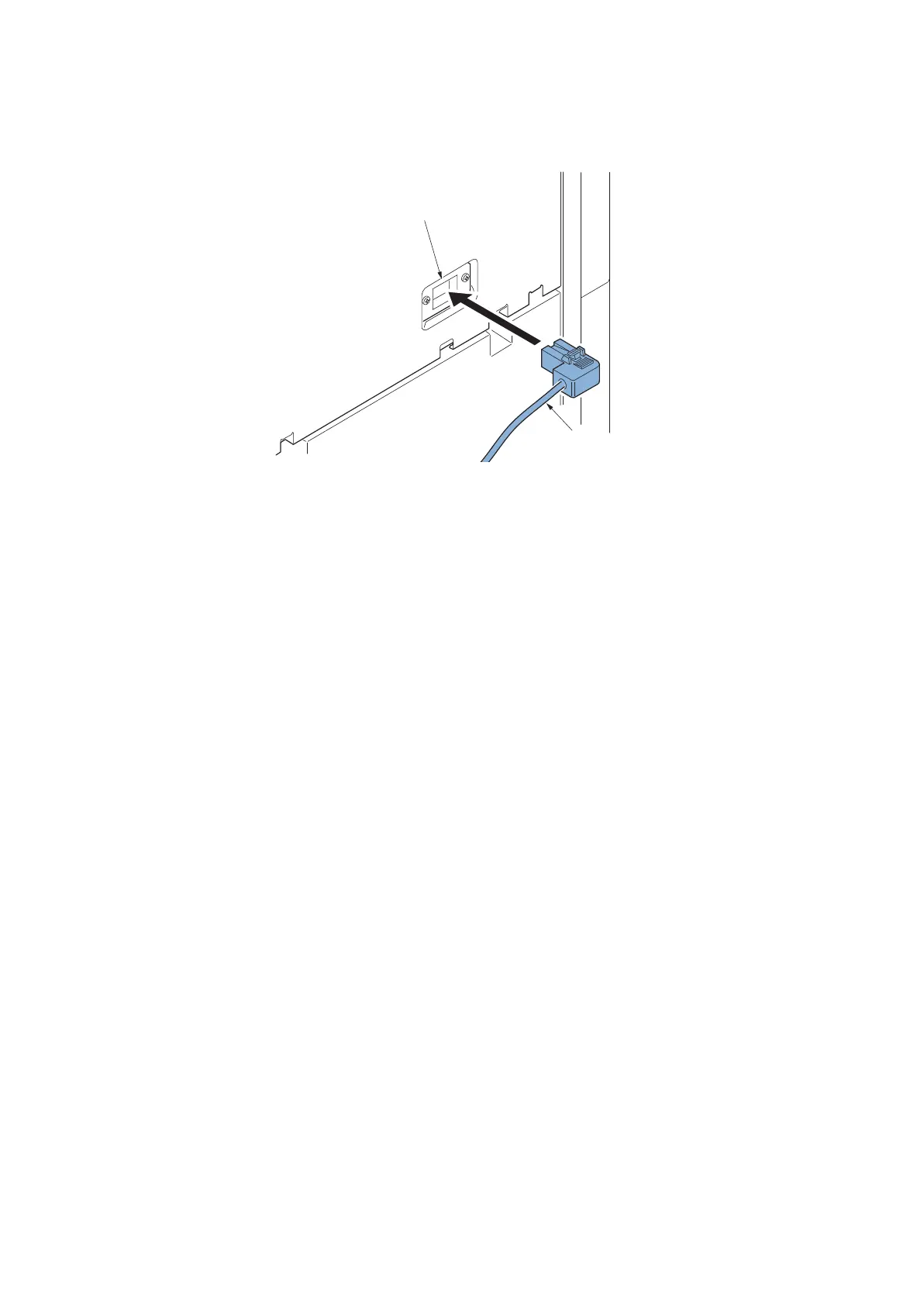
29. Connect the signal wire (b) of the coin vendor to the connector (a) of the vendor wire.
Figure 2-261
30. Turn the power switch on and enter the maintenance mode.
31. Execute maintenance mode U206 and then set [Coin vendor attachment].
Execute continuously each setting in detail.
32. Exiting from the maintenance mode.
b
a












 To Next Page