2NJ/2RK
2-47
2-3 Installing the optional equipment
(1) Gigabit Ethernet extension kit (IB-50)
The bundle parts of Gigabit Ethernet extension kit (IB-50)(1505JV0UN0)
PWB unit 1 pc
Procedures
1. Press the power key, after checking that the
power lamp and the memory lamp are turned off,
switch the main power off and unplug the power
plug.
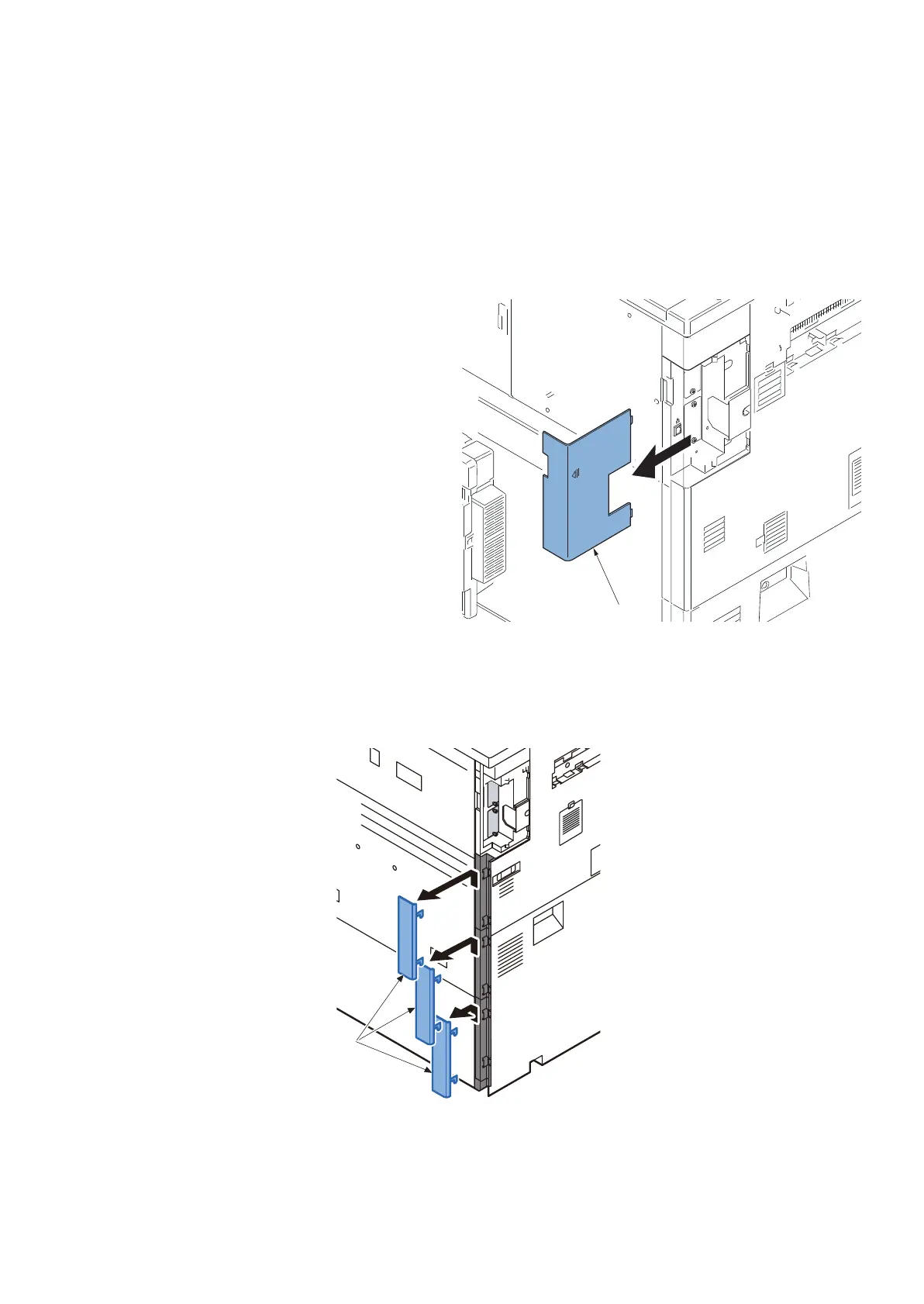
2. Detach the controller cover(a).
Figure 2-84
3. Detach the main unit cover(a) in order from the top.
Figure 2-85
OPT1
a
a












 To Next Page