EasyManua.ls Logo

Kyocera TASKalfa 7002i - (11) Connecting the FAX cable (FAX installation only)

Kyocera TASKalfa 7002i
1627 pages
Print Icon
To Next Page IconTo Next Page
To Previous Page IconTo Previous Page
Loading...
2NJ/2RK
2-21
(11)Connecting the FAX cable (FAX installation only)
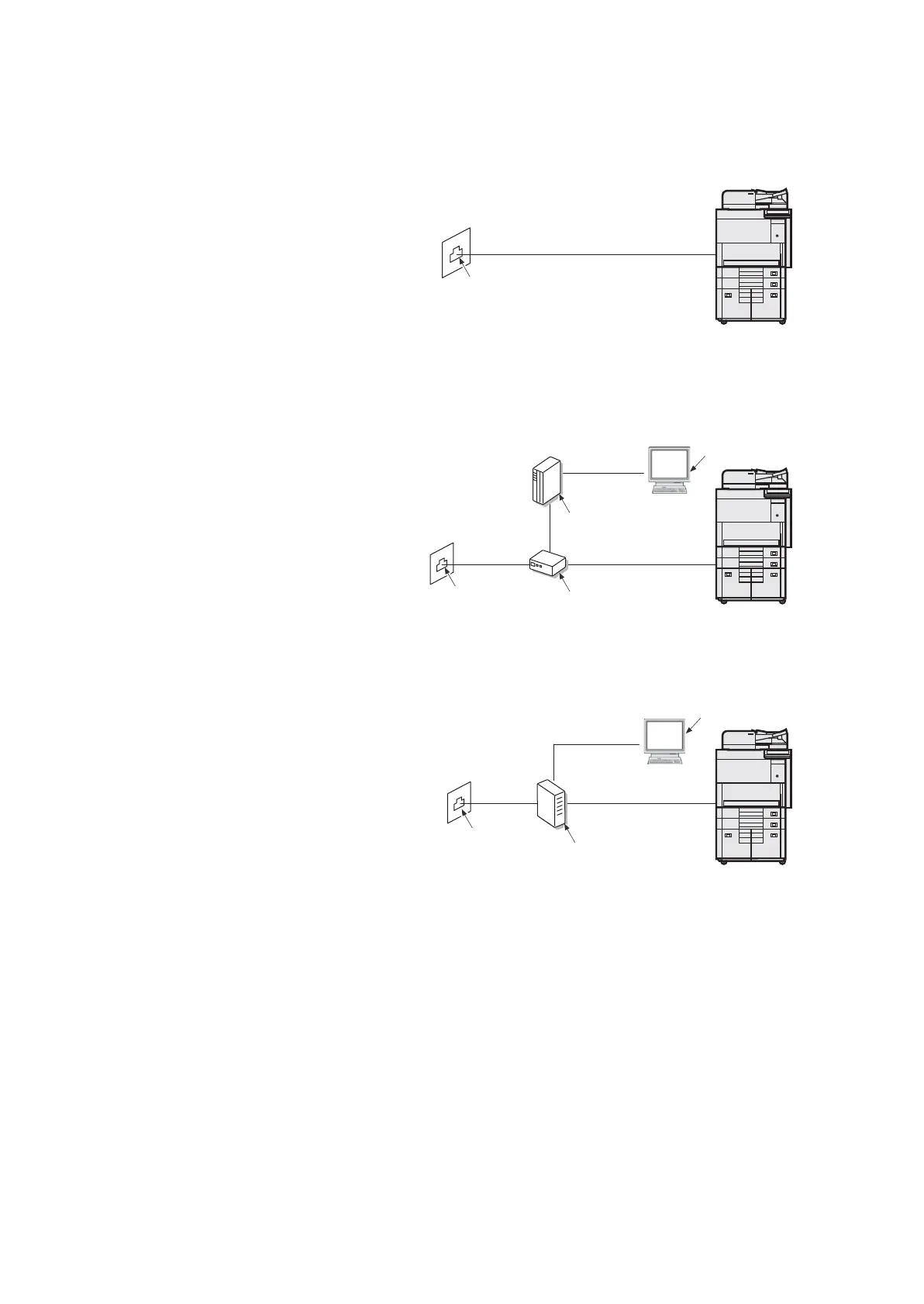
General FAX connection example
In the case of the general telephone line
a. Modular jack
Figure 2-33
ADSL
Connect a cord between the LINE connector of the main unit and the PHONE port of the splitter.
a. Modular jack
b. ADSL modem
c. Splitter (PHONE port)
d. PC
Figure 2-34
ISDN
Connect a cord between the LINE connector of the main unit and the analog port of the terminal adapter.
a. Modular jack
b. Terminal adapter
(Analog port)
c. PC
Figure 2-35
a
a
b
c
d
a
b
c

Table of Contents

Other manuals for Kyocera TASKalfa 7002i

Related product manuals