2WA/2NJ/2RK
4-5
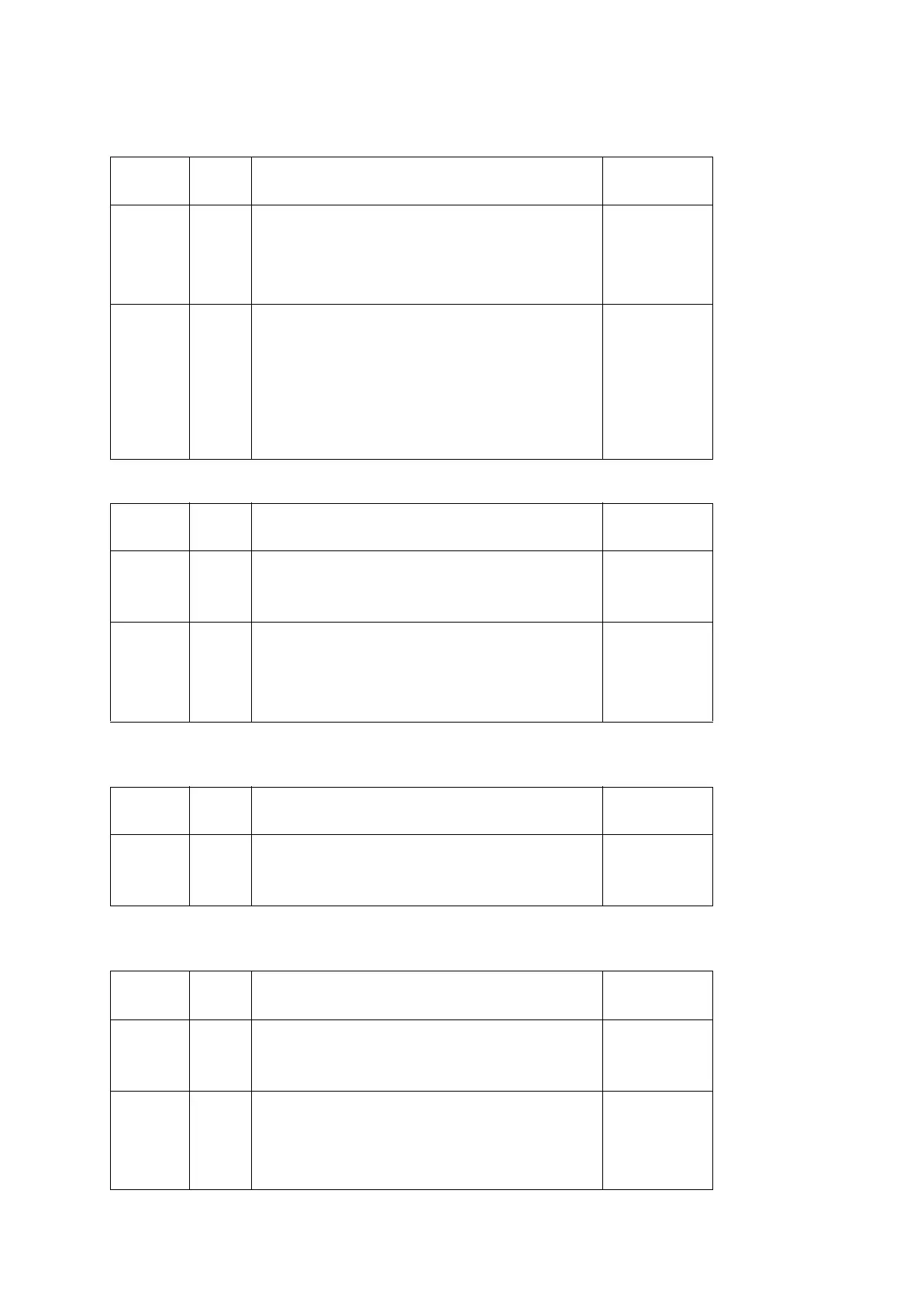
Items to perform after replacing the unit
Drum unit
Developer unit
Transfer belt unit
Main charger roller unit
Section Mode
No.
Maintenance item
Replac-
ing set-
tings
U119 Drum unit initial settings ○
U140 Developer bias adjustment (AC Calib/Calibration) ○
Image
adjust-
ment
U464 ID correction operation setting (Calib) ○
U412 Adjusting the uneven density (Normal Mode) ○
U464 ID correction operation setting (Calib) ○
U410 Adjusting the halftone automatically ○
Section Mode
No.
Maintenance item
Replac-
ing set-
tings
U140 Developer bias adjustment (AC Calib/Calibration) ○
Image
adjust-
ment
U464 ID correction operation setting (Calib) ○
U410 Adjusting the halftone automatically ○
Section Mode
No.
Maintenance item
Replac-
ing set-
tings
U127 Transfer counter clear (Crear) ○
Section Mode
No.
Maintenance item
Replac-
ing set-
tings
U930 Checking/clearing the main charger roller counts ○
Image
adjust-
ment
U464 ID correction operation setting (Calib) ○
U410 Adjusting the halftone automatically ○




 To Next Page