2WA/2NJ/2RK
4-113
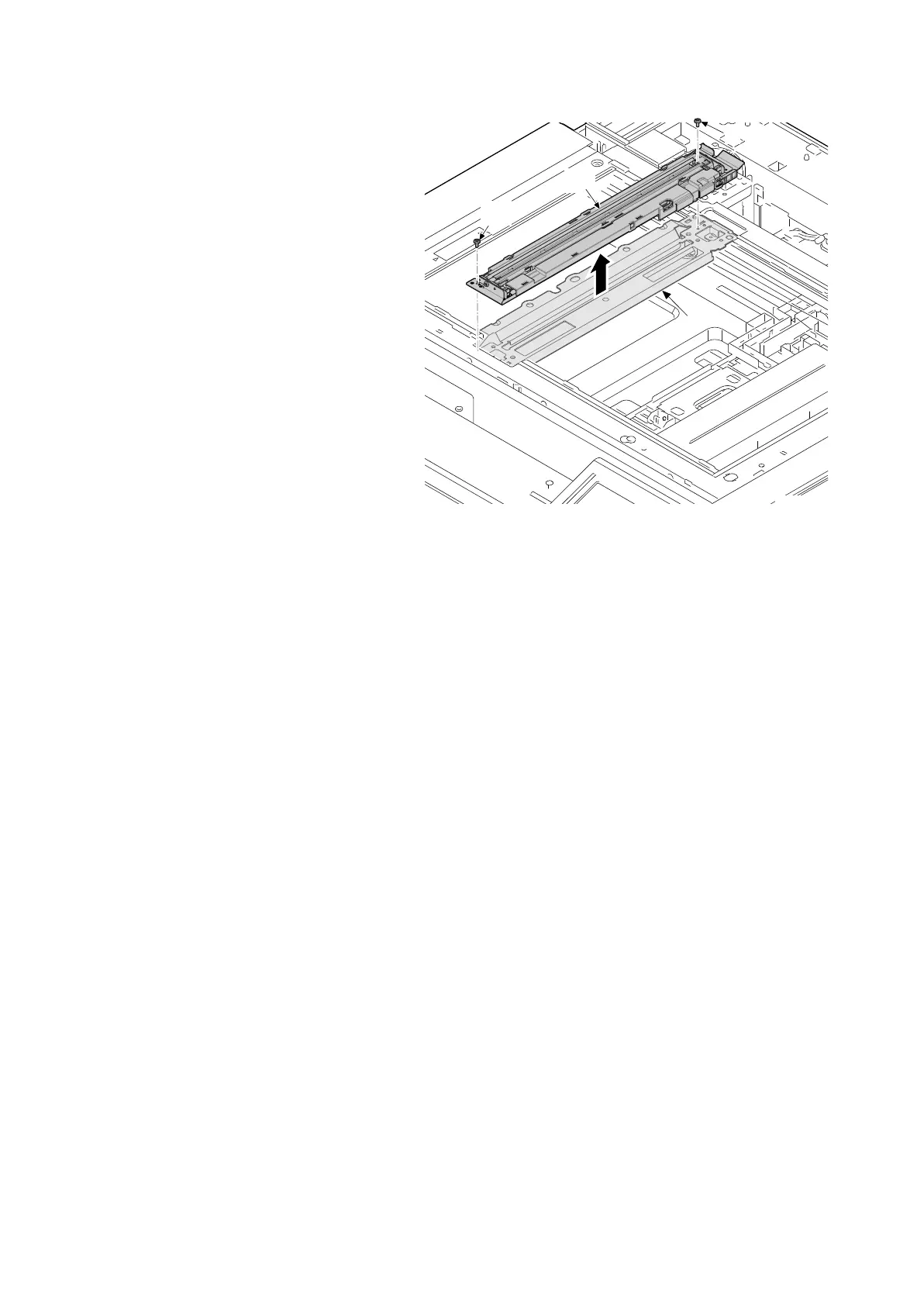
11. Remove two screws (a)(M3x8) and
remove the lamp unit (b) from mirror
frame A (c).
12. Check or replace the lamp unit (b), and
then reattach the parts in the original
position.
13. When replacing the lamp unit (b), exe-
cute maintenance mode U411 (adjust-
ing the scanner automatically).
IMPORTANT
Use an air blower brush when cleaning the
reflector, light guide plate and diffusion sheet
of the LED mount assembly. Clean not to leave
a hair dust.
Figure 4-168
14j0259












 To Next Page