2NJ/2RK
2-11
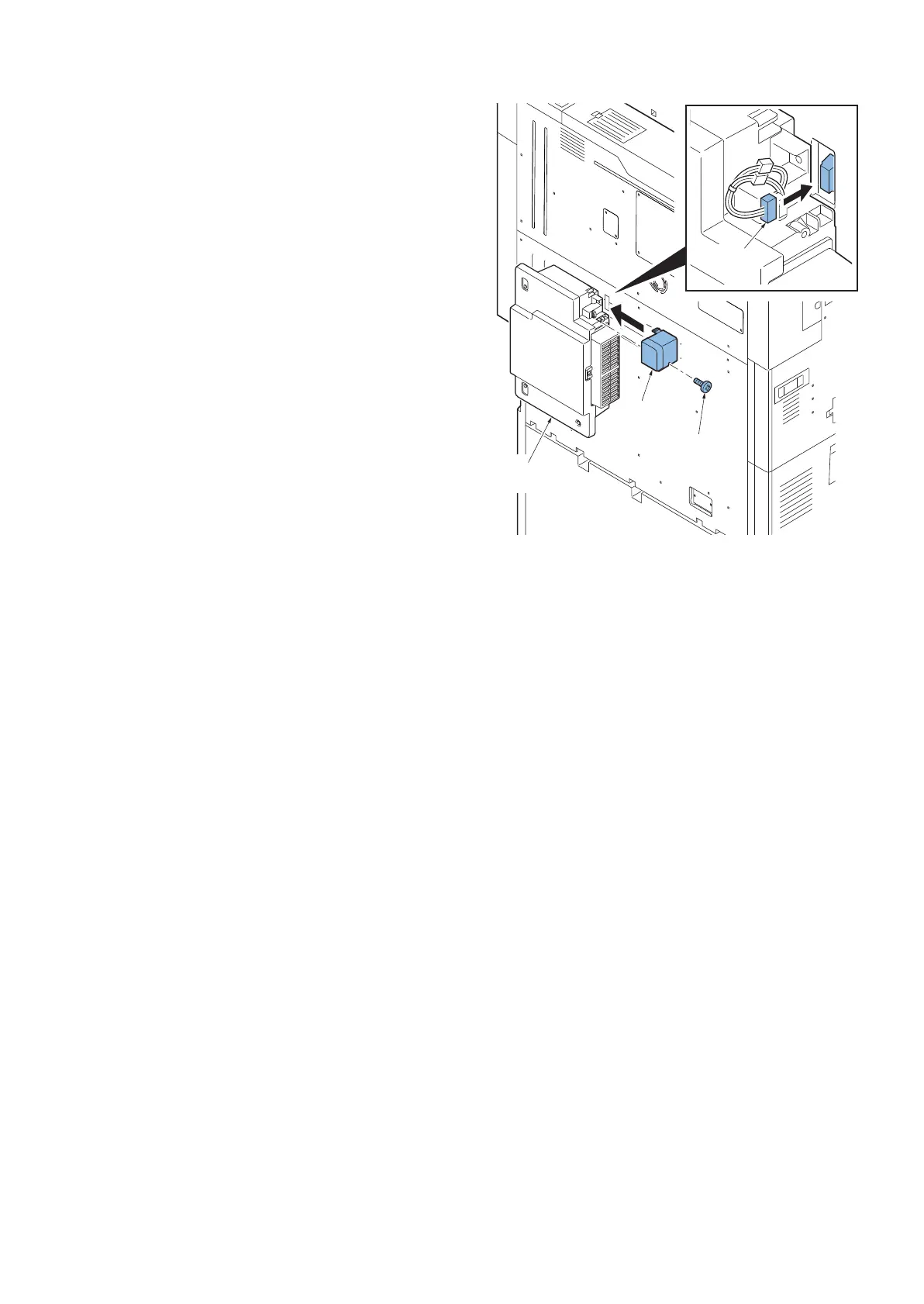
4. Install the connector(a).
5. Install the cable cover(c) with one screw(b)(M3×8
P-tite).
*: When switching on without installing the toner col-
lection box(d), it causes the below C call,
FAN1 disconnection : C7470
FAN2 disconnection : C7480
Figure 2-14
a
b
c
d












 To Next Page