Inspection and preventive maintenance
Acoustical check
Enclosure check
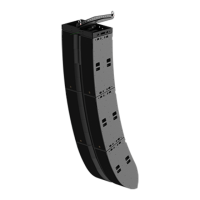
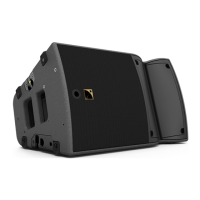
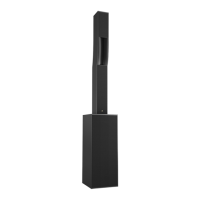
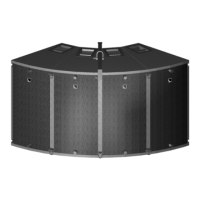
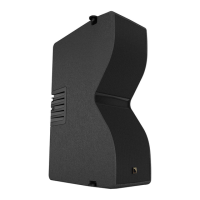
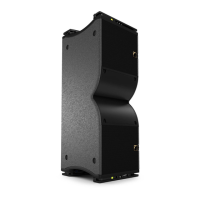
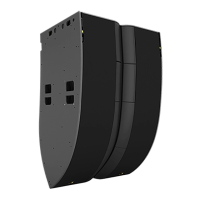
This feature is available on:
LA7.16
ENCLOSURE CHECK measures impedance at the reference frequencies for the connected loudspeaker family. The
test compares the measured impedance against the expected range for fast detection of loudspeakers with continuity
issues.
The results can be used for preliminary diagnosis but cannot replace a comprehensive quality control.
Prerequisite
ENCLOSURE CHECK measurements can only be reliable if the following requirements are met:
Environment and temperature:
• Ambient temperature must be comprised between 0°C / 32°F and 40°C / 104°F. Ideal temperature is 20°C /
68°F.
• Enclosures must be at room temperature. If warm from a recent high level use or recently moved from a cold
environment, let the loudspeakers reach room temperature before starting.
Enclosures:
• Enclosures must be included in the embedded factory preset or layout library.
• Enclosures must be in nominal operating conditions:
• Remove covers or dollies obstructing the loudspeakers or the vents.
• Check for obvious physical damage or air leak: visually inspect the grill, gasket, cabinet, and connector plate
for loose, missing or damaged parts.
Connection:
• Use only 10 m / 30 ft 4 mm² / AWG 11 speaker cables.
• Do not connect enclosures in parallel.
Amplified controllers:
• Load a preset or a layout corresponding to the connected loudspeaker's family. Presets from the user memories
may be used on condition they are made of presets supported in the embedded factory preset library.
Procedure
1. Power up the amplified controller.
2. Connect the loudspeaker enclosures to the amplified controller.
3. Load a preset or a layout from (or built from) the embedded library and corresponding to the connected
loudspeaker family.
4. On the amplified controller, select MONITORING & INFO.
5. Select ENCLOSURE CHECK.
Beware of sound levels.
Although the sound pressure levels generated for the ENCLOSURE CHECK are moderate, do not stay
within close proximity of the loudspeakers and consider wearing ear protection.
6. Launch the ENCLOSURE CHECK.
The amplified controller generates short sinusoidal signals simultaneously for each connected output.
The amplified controller displays the results for each output.
82 L2 owner's manual (EN) version 5.0






 To Next Page