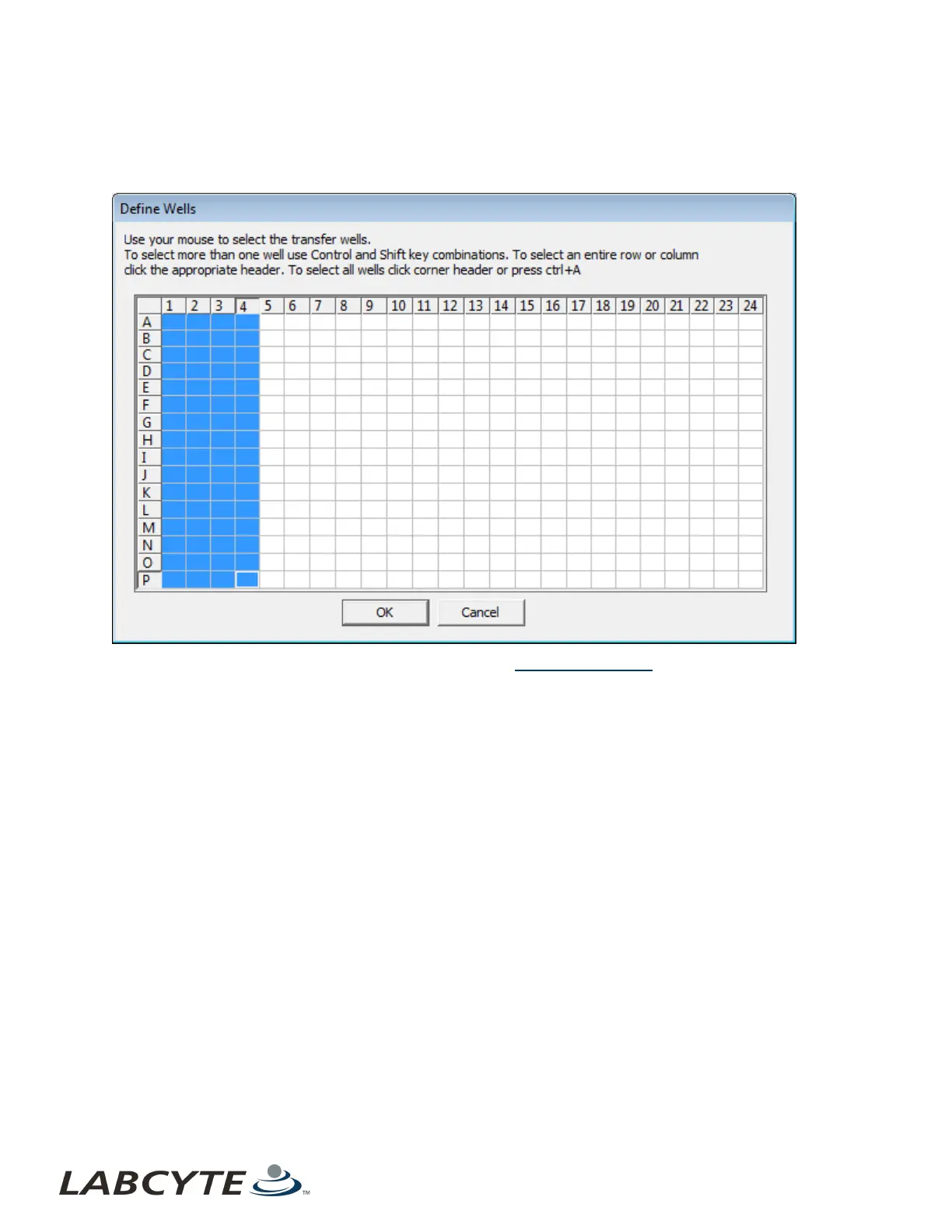
4. Click the View/Define button to create a transfer map for the first source plate. The Define Wells dialog box shows the
wells that are available for transfer. Select the wells you want to include in the transfer. Repeat this step for the other
source plates and click the OK button.
Figure 59: Define wells in a transfer map
For an explanation on how to select wells in a transfer map, see Create a Transfer Map.
Echo Liquid Handler Software CHAPTER 5 | Software
100



 To Next Page