To predefine a solvent concentration:
1. Select the Use predefined: checkbox to allow the Echo Liquid Handler to use the predefined concentration map.
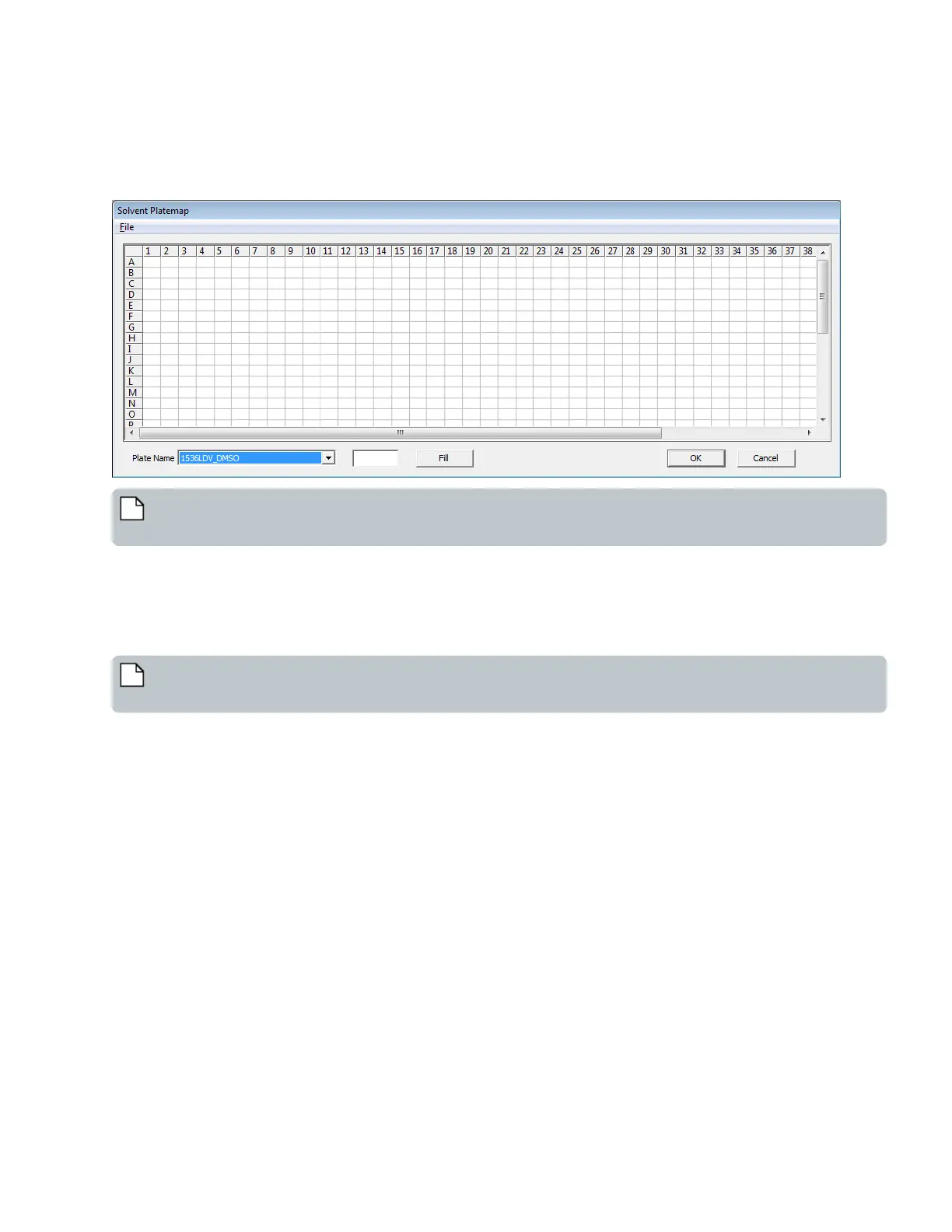
2. Click the Define: button to open the Solvent Platemap dialog box.
Figure 99: Solvent Platemap Dialog Box
Note: Use this function carefully and only when you need to specify a fixed measurement and override the Echo
measurement. An incorrect concentration will produce questionable or unexpected results.
3. Place the cursor in any individual cell of the plate concentration map and enter the concentration for that well. For example,
if the fluid contains 90% water and 10% glycerol, enter 1.6 in the Solvent Concentration: textbox to the left of the Fill button.
4. Select the source microplate type for the Plate Name list.
5. Click the Fill button to load the concentration value entered in step 3 into each cell of the solvent concentration map.
6. Click the OK button to close the Solvent Platemap dialog box and accept the solvent concentrations entered.
Note: To load a predefined Solvent Platemap file in CSV format, select File > Load.
To save a predefined Solvent Platemap file in CSV format, select File >Save.
145 PN | 001-11665
USER GUIDE | Echo® 525 Liquid Handler User Guide Echo Liquid Handler Software



 To Next Page