Create a Liquid Transfer Protocol
The liquid transfer protocol specifies how much fluid will be transferred from the source microplate to the destination microplate,
and in what well order—a plate map that the Echo instrument uses to perform the transfer.
For example, a simple transfer protocol would transfer reagent from all source wells to the matching destination wells, replicating
the contents of the source plate. More complex protocols would transfer reagent from different source plates to one or more
destination microplates. The Echo Liquid Handler software provides a plate map to specify the wells that will be used in the liquid
transfer.
For a detailed discussion of different types of liquid transfer protocols, What types of liquid transfers are supported?
Note: To create transfer protocols for specific applications or specialized plate configuration, such as Echo Dose-
Response, you can purchase optional software applications or the Echo Software Development Kit to create your own
application. For more information, see Manual mode using the Echo application software .
To execute a liquid transfer using the Echo Liquid Handler software, the first step is to create a protocol. A protocol defines the
source and destination microplates to use, the volume to transfer, number of transfers, and the specific wells involved. Protocols
are stored in the Echo database and displayed every time you view the Protocols window.
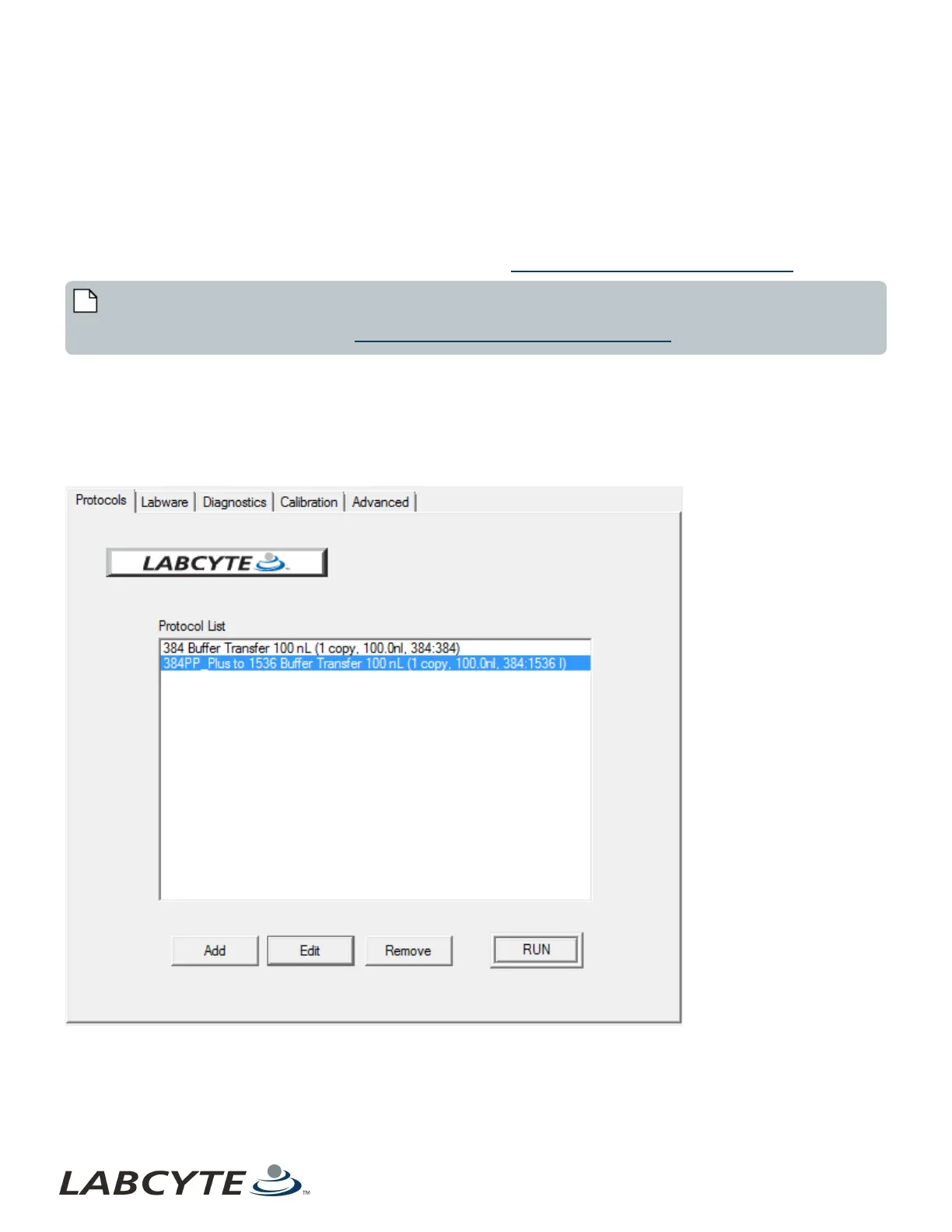
From the Protocols window, you can click the Add button to begin the Add New Protocol wizard. After you have created the
protocol, you can select it in the Protocol List to run, edit or remove.
Figure 50: Protocol List
Samples of protocols are described in the sections that follow.
Echo Liquid Handler Software CHAPTER 5 | Software
92



 To Next Page