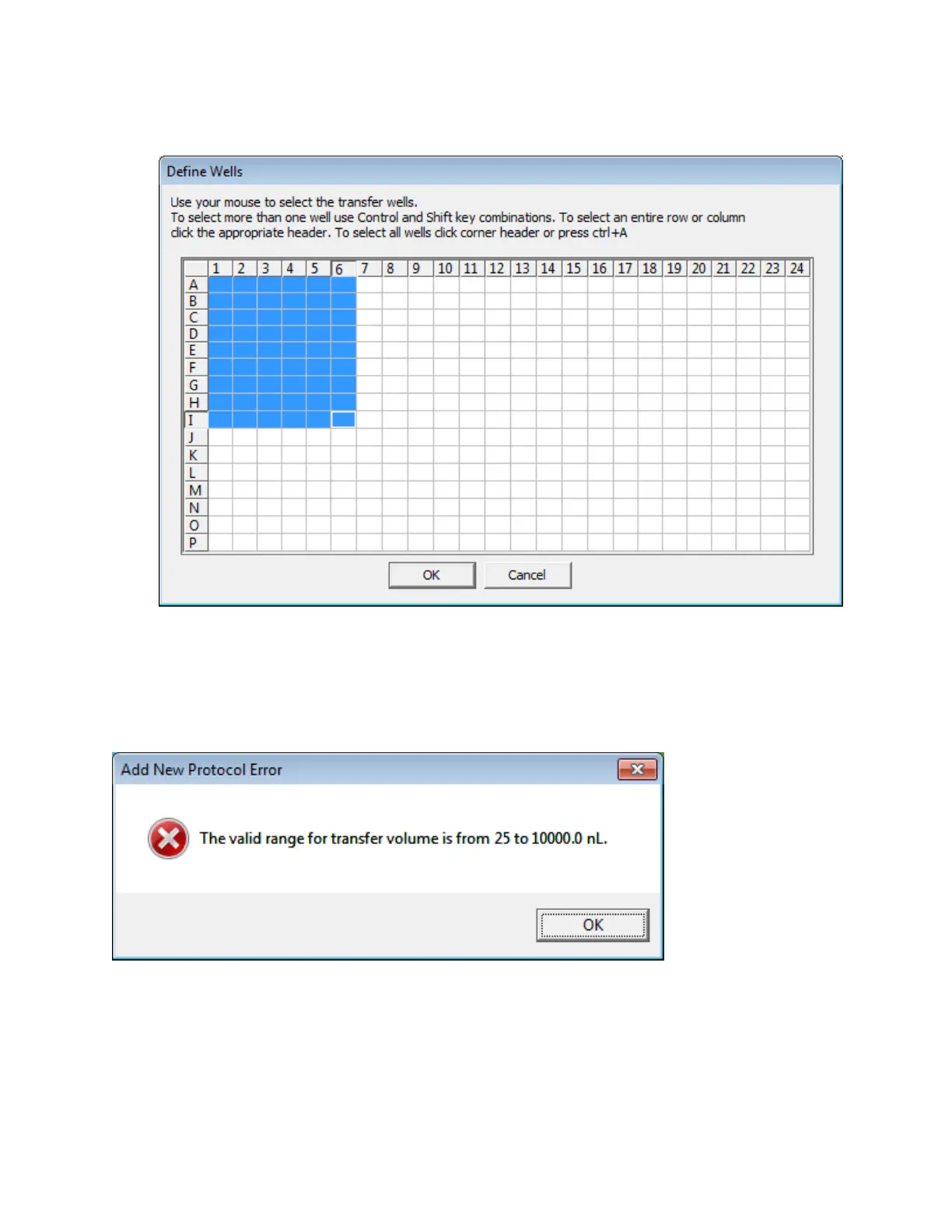
l Click the OK button to return to the previous screen.
Figure 53: Define wells dialog box
4. Number of Copies: Enter the number of times the protocol will be executed. The valid range is 1 to 10,000 copies. The
operator is prompted to load and unload the source microplate and the specified number of destination microplates.
5. Transfer Volume: Enter the total volume of fluid to be transferred. The valid range is 25 to 10000 nL in increments of 25 nL.
If you enter the transfer volume directly instead of using the increment/decrement buttons, remember that the value must
be a multiple of the minimum transfer volume. If you type an invalid transfer volume, you will receive an error message that
displays the correct transfer range.
Figure 54: Invalid transfer volume for 384-well plate
6. Click the Finish button to complete the new protocol.
Figure 55: 384:384 protocol finished
95 PN | 001-11665
USER GUIDE | Echo® 525 Liquid Handler User Guide Echo Liquid Handler Software



 To Next Page