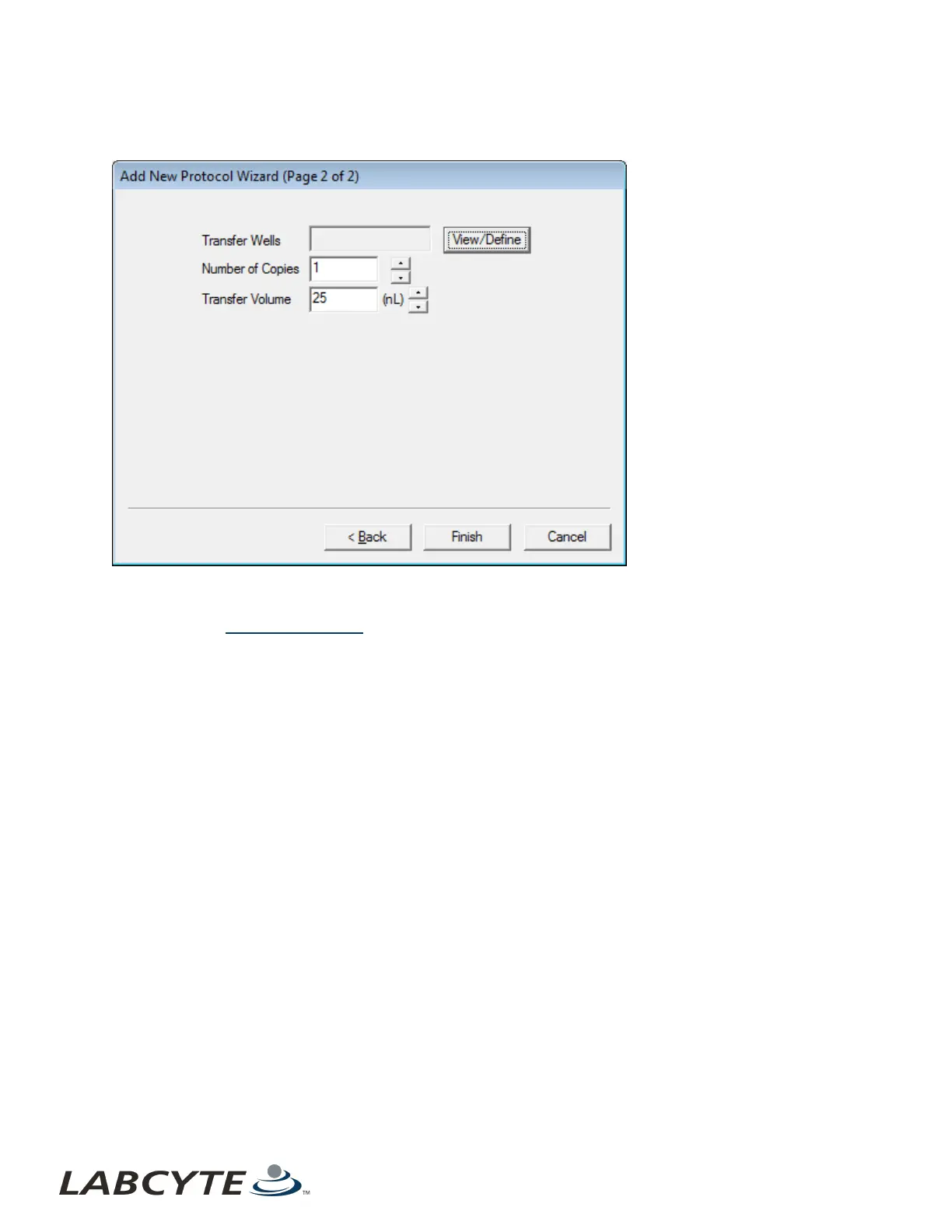
2. Click the Next button. The second Add New Protocol wizard dialog box opens.
Figure 52: Add new protocol wizard, page 2 of 2
3. Transfer Wells: Click the View/Define button to select the wells to be transferred from the source plate.
l Select the source plate wells that contain the reagent to be transferred. For information on how to select transfer
wells, see Create a Transfer Map.
Echo Liquid Handler Software CHAPTER 5 | Software
94



 To Next Page