2big NAS User Manual 23
Windows XP, Windows 7, and Vista Users
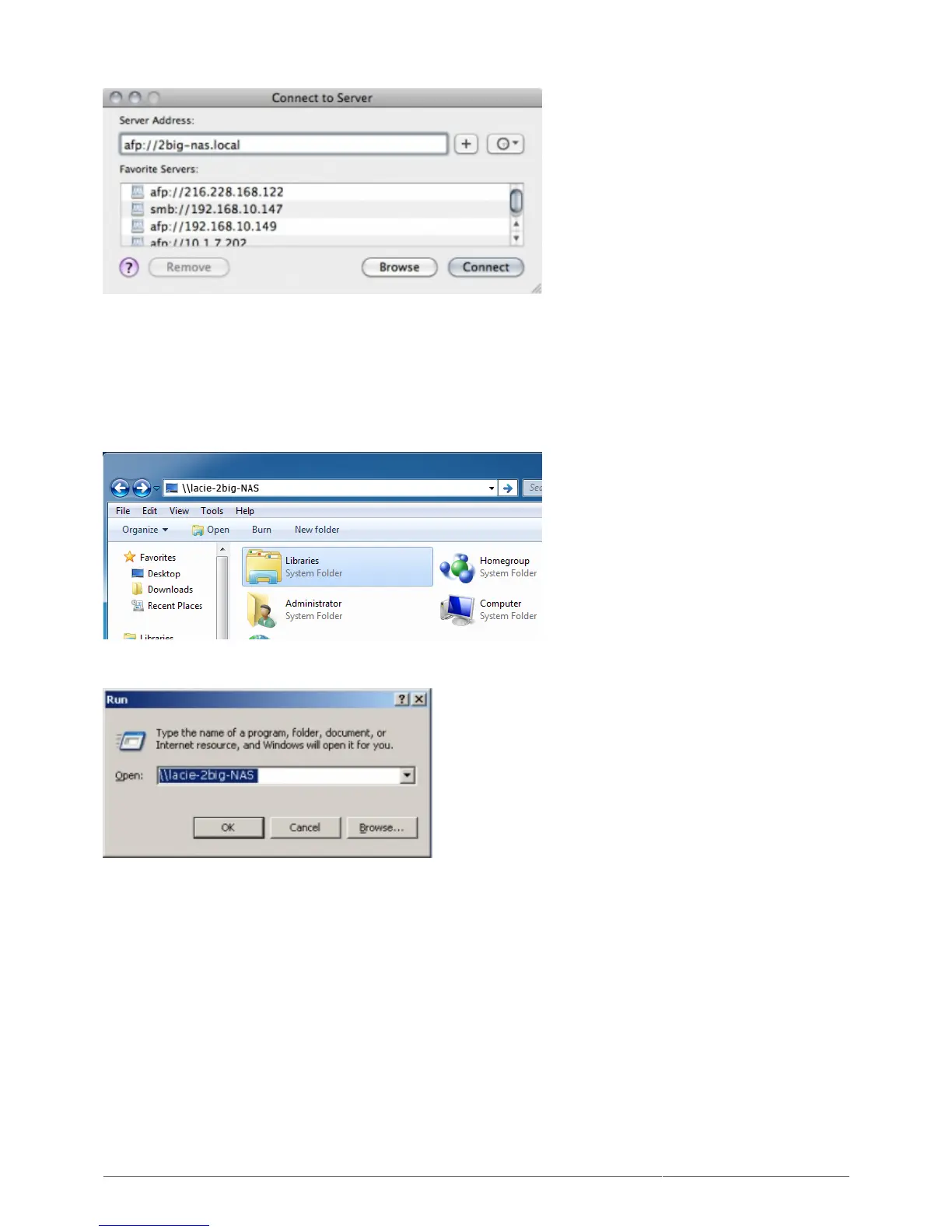
In an explorer window address field, type \\[machine name] or \\[IP address]] and click Go. Alternatively,1.
from the Start menu, click Run, type \\[machine name] or \\[IP address]] and click OK.
Option 3
Launch LaCie Network Assistant.1.
Windows Users: Select LaCie Network Assistant in Start/Programs. A Network Assistant icon will appear
■
in the system tray and LaCie Network Assistant will automatically detect your LaCie product on the network.
Mac Users: Select LaCie Network Assistant in your Applications folder. A Network Assistant icon will
■
appear in the menu bar and LaCie Network Assistant will automatically detect your LaCie product on the
network.
Right-click the icon in the system tray (Windows) or click the icon in the menu bar (Mac) and select2.
Configuration Window.











 To Next Page