2big NAS User Manual 85
IMPORTING GROUPS FROM ACTIVE DIRECTORY
If you have successfully connected to an Active Directory domain (see General Settings), you will see a1.
button on the Dashboard - Groups page labelled IMPORT FROM DOMAIN. Click the button.
A window will appear listing all the groups on the domain. Type a few characters in the text field to filter2.
results.
Hold down the Command key (Mac users) or Ctrl key (Windows users) to select multiple users.3.
Click the IMPORT button.4.
The imported groups will appear in the table. You can identify which groups were imported from the domain5.
because the circle in the Domain column will be green.
DELETE A GROUP
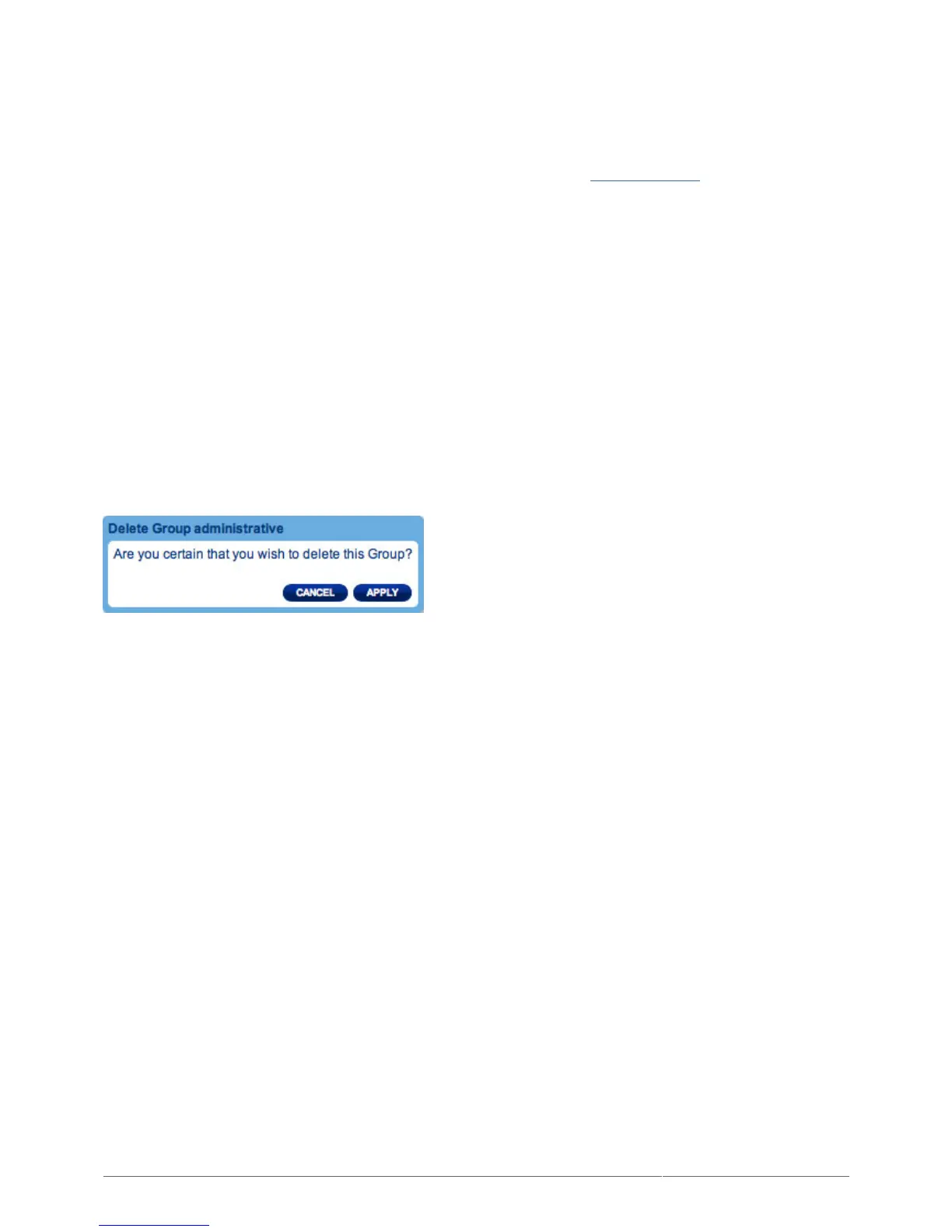
To delete a user, click the gray X on the far right of the user's row. Confirm in the dialogue window. Note that
deleting a group will not affect user data.











 To Next Page