2big NAS User Manual 24
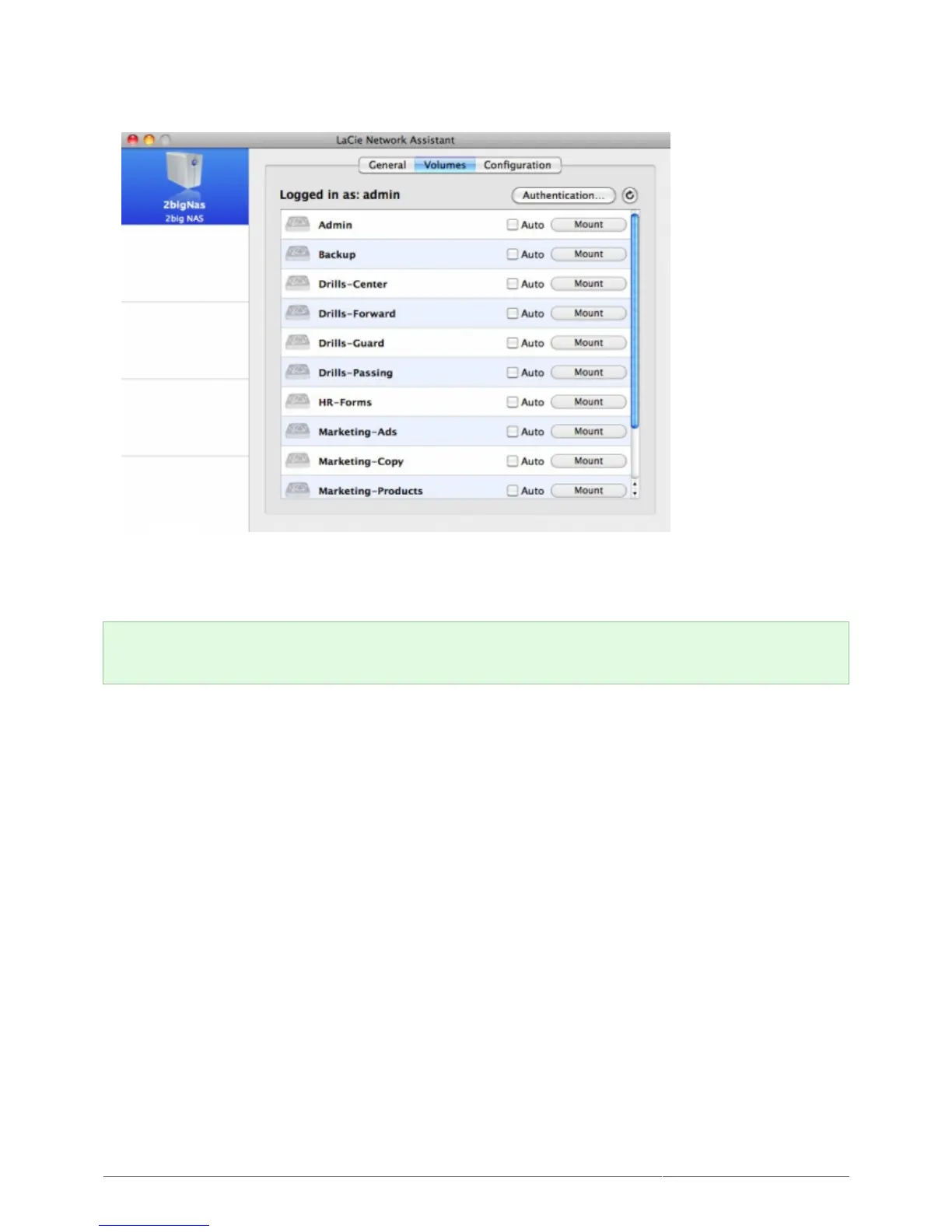
Select your LaCie NAS' machine name from the list of devices in the left-hand column, then click the3.
Volumes tab.
Double-click the share you wish to access. The share will open in a Finder window (Mac) or an Explorer4.
window (Windows). Transfer files normally from your computer to the share.
Technical note: Mac users: If the share does not open in a Finder window, simply navigate in the Finder to
Network > [machine name] > [share name].
USING BACKUP SOFTWARE
Your LaCie NAS is fully compatible with Time Machine®, Windows Backup and Restore®, and Genie Timeline®.
A share on your NAS can be set as a backup target for these software. Just make sure that the user whose
computer will be backed up onto the share has access to the share.











 To Next Page