2big NAS User Manual 90
DOWNLOAD PAGE SETTINGS
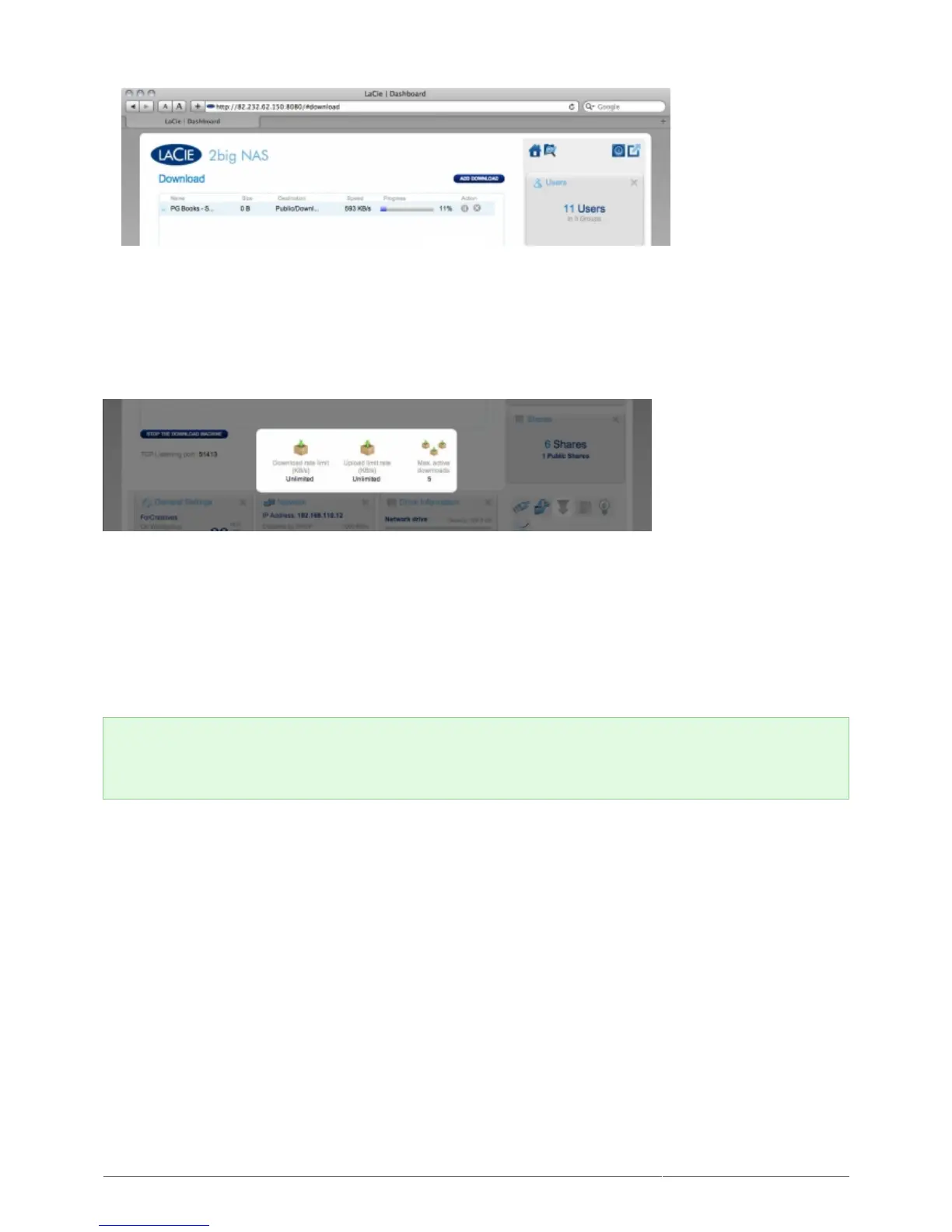
Below the list of downloads are several settings.
TCP Listening port: Click the number to choose a router port through which the torrent service will operate.
■
Download rate limit: Click the number here to type a maximum download speed.
■
Upload limit rate: Click the number here to type a maximum upload speed.
■
Max. active downloads: Click the number here to limit the number of torrents that can download/upload
■
simultaneously. Type zero for no limit.
Technical note: Because the torrent client service uses bandwidth and system resources, multiple
simultaneous downloads can impact your LaCie NAS' performance. Additionally, even after a download has
completed, it may continue to use system resources if it is uploading, as long as the torrent is active.











 To Next Page