2big NAS User Manual 8
CONNECT TO THE NETWORK
This chapter explains how to connect your LaCie NAS to a network.
Important Info: If your 2big NAS did not include disks, you must install and initialize them before following
the steps below. See Adding Disks to an Empty Enclosure for details.
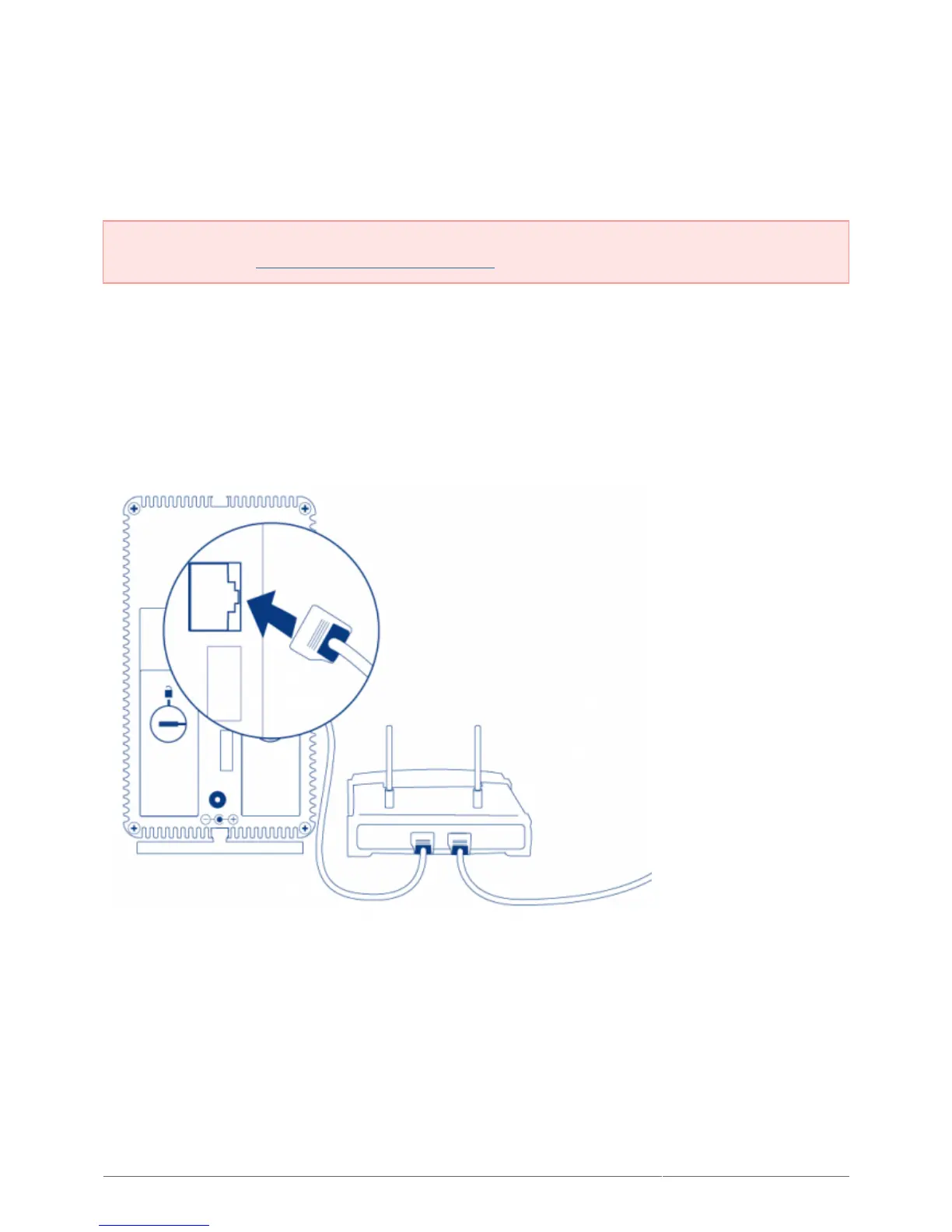
A - CONNECT THE ETHERNET CABLE
Connect the Ethernet cable to the Ethernet port on the back of the product.1.
Connect the other end of the Ethernet cable into an available Ethernet “out” port on your router or hub (refer2.
to your router or hub’s documentation if necessary).











 To Next Page