2big NAS User Manual 34
DASHBOARD (ADMINISTRATION)
All LaCie NAS feature an easy-to-use browser-based administration tool, called the Dashboard, that will allow
you to manage users, groups, shares, and the other product features.
ACCESS THE DASHBOARD
There are two ways to access the Dashboard, using the LaCie Network Assistant and using a browser.
Access Dashboard Using LaCie Network Assistant
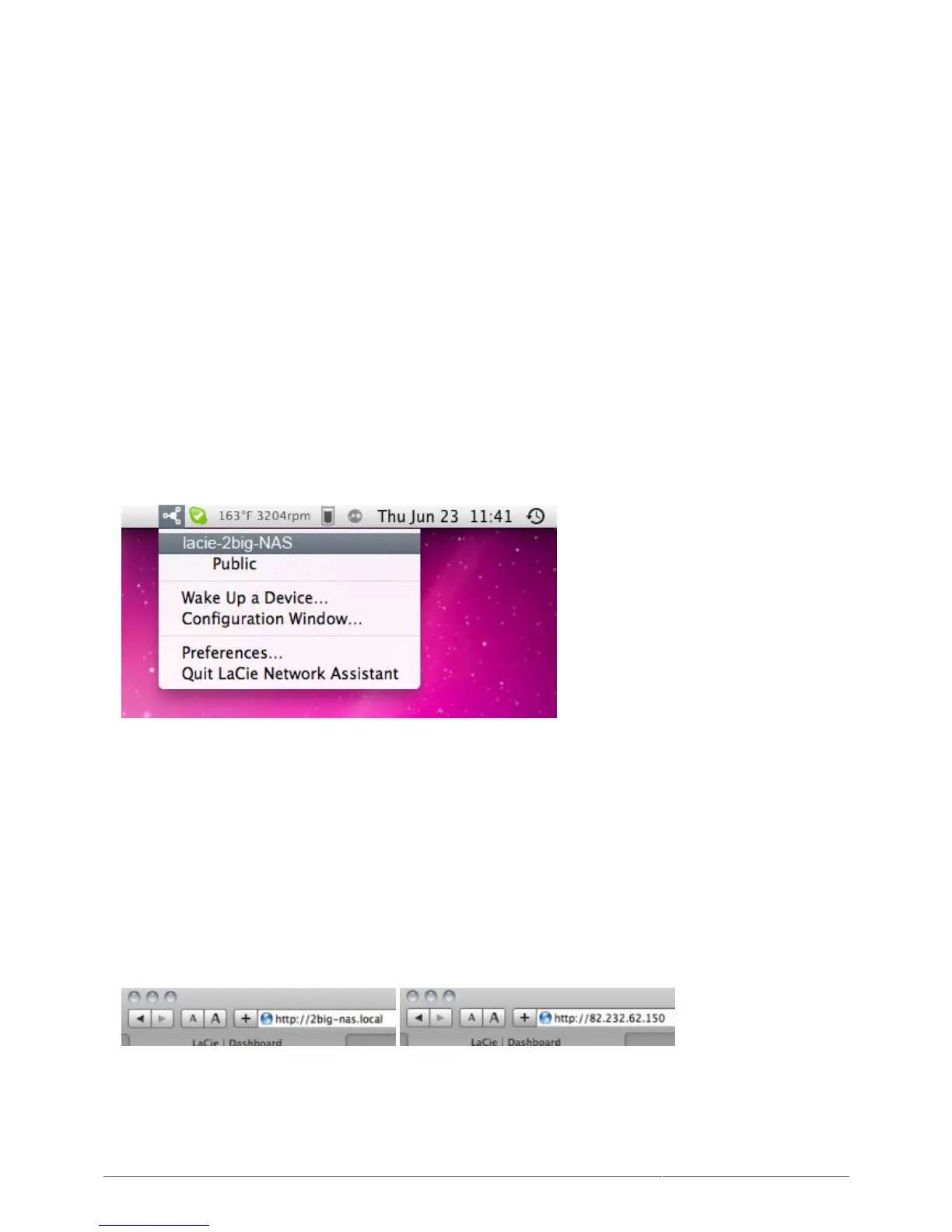
Click on the LaCie Network Assistant icon in the system tray (Windows users) or menu bar (Mac users) and1.
select [machine name] > Web Access (Windows users) or [machine name] (Mac users).
The login page will open in a new browser window or tab. If your browser is not open, LaCie Network2.
Assistant will open it for you.
Access the Dashboard Using a Browser
Open your Internet browser (Firefox, Internet Explorer, Safari, etc.) and type your NAS' IP address or machine1.
name in the browser's URL (web address) field.
For example: http://[IP-address] or http://[machine name] (Windows) or http://[machine name].local
(Mac)











 To Next Page