2big NAS User Manual 50
MANAGE SHARES
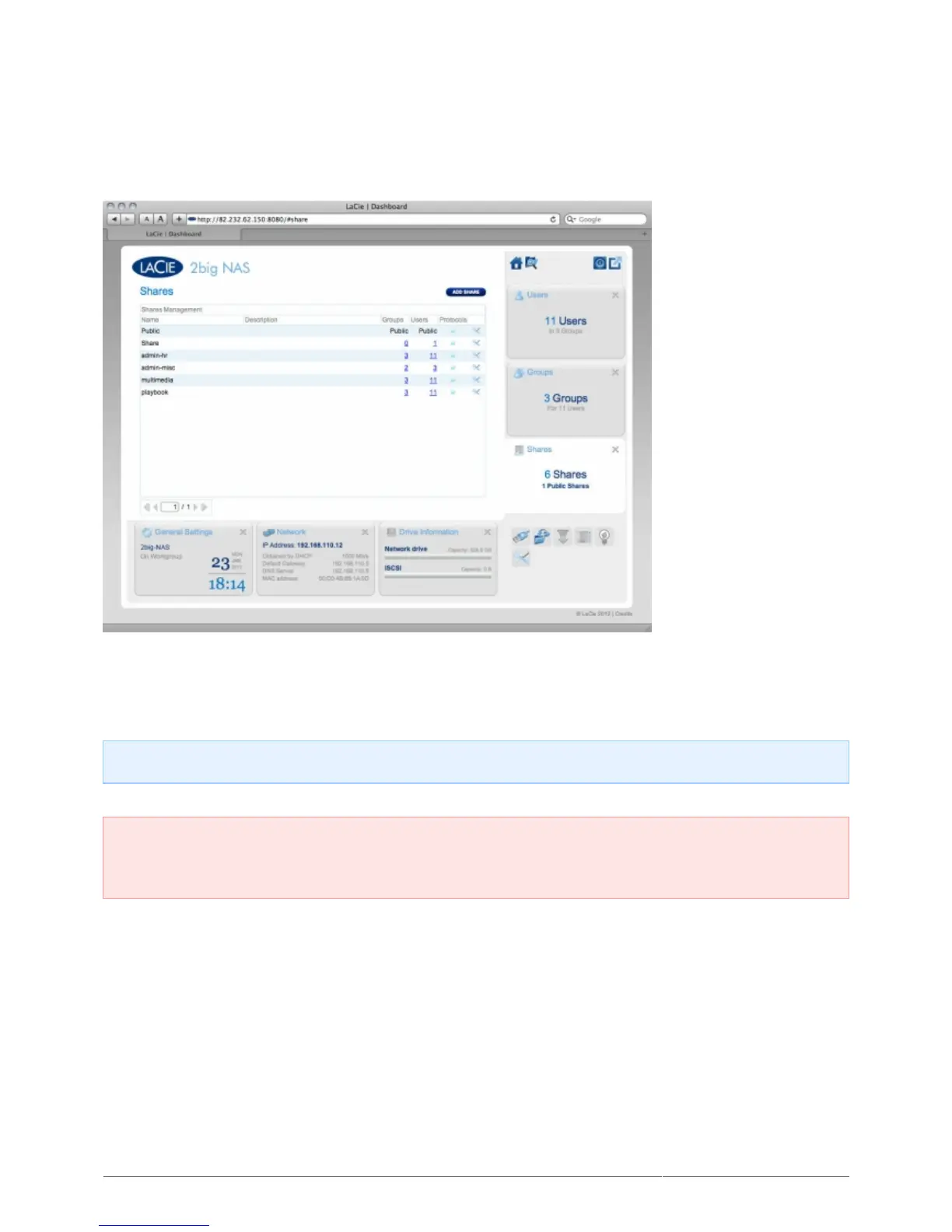
Shares — network folders — comprise the storage capacity of your LaCie NAS. Out of the box, it has two shares,
Share and Public. The Shares page in the Dashboard allows the administrator to assign access rights to users
and groups, and to toggle share-level service activation.
Note: It's not necessary to create shares in order to use the product. Simply use the default Share or Public.
Important info: In text fields, you may enter 1 to 20 characters using letters, numbers, hyphen, and
underscore. No other symbols, special characters, punctuation, or spaces may be used. Do not begin or end
with a hyphen or underscore.
NEW SHARE
To create a new share, click the Add Share button, then fill out the required fields.











 To Next Page