2big NAS User Manual 26
Windows XP, Vista, and Windows 7 Users
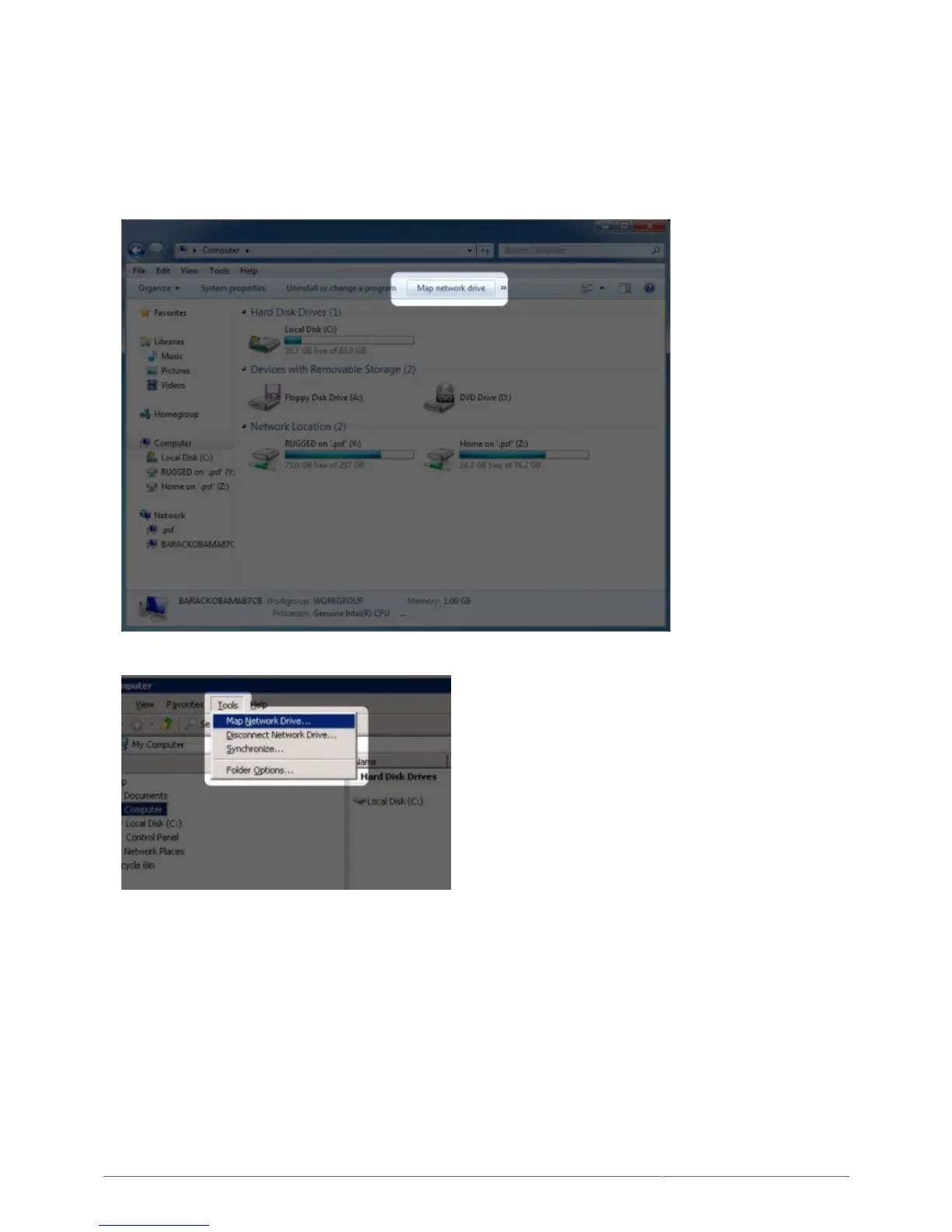
From an Explorer window in Windows XP, select Tools> Map Network Drive. For Windows Vista and1.
Windows 7, open an Explorer window, navigate to Computer, and click Map Network Drive.
Browse to and select the share you wish to auto mount.2.
Windows will offer the option to mount the share each time you log on to the computer.3.
Repeat steps 1-3 for other shares.4.
Mac Users
Open a new Finder window. On the left of the window, navigate to Shared > [machine name] > [share]. If1.
prompted, type in your username and password and click Connect.
Repeat step 1 for each share.2.
To mount the share automatically each time you log on to you computer:3.











 To Next Page