2big NAS User Manual 82
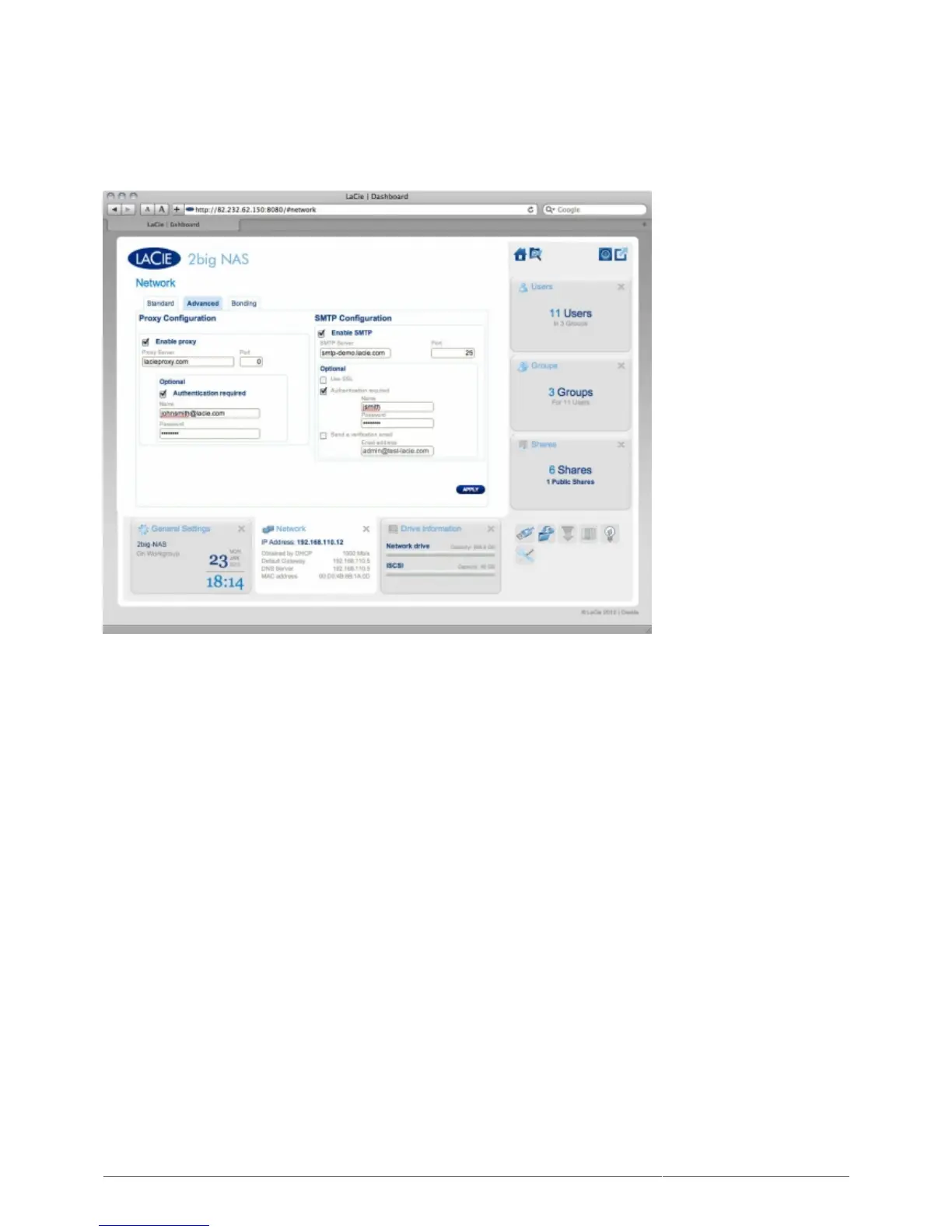
ADVANCED TAB
Proxy Configuration
Your LaCie NAS can be configured to connect to a proxy server. First activate the feature by clicking the Enable
proxy box, then fill in the proxy server address, port, and optional authentication information and click APPLY.
SMTP Configuration
To permit your LaCie NAS to send alert emails to users, configure the SMTP settings in this section. Verify that
the alert system works by clicking the Send a verification email box, inputting an email address, then clicking
the APPLY button.











 To Next Page