2big NAS User Manual 81
Using Remote Access
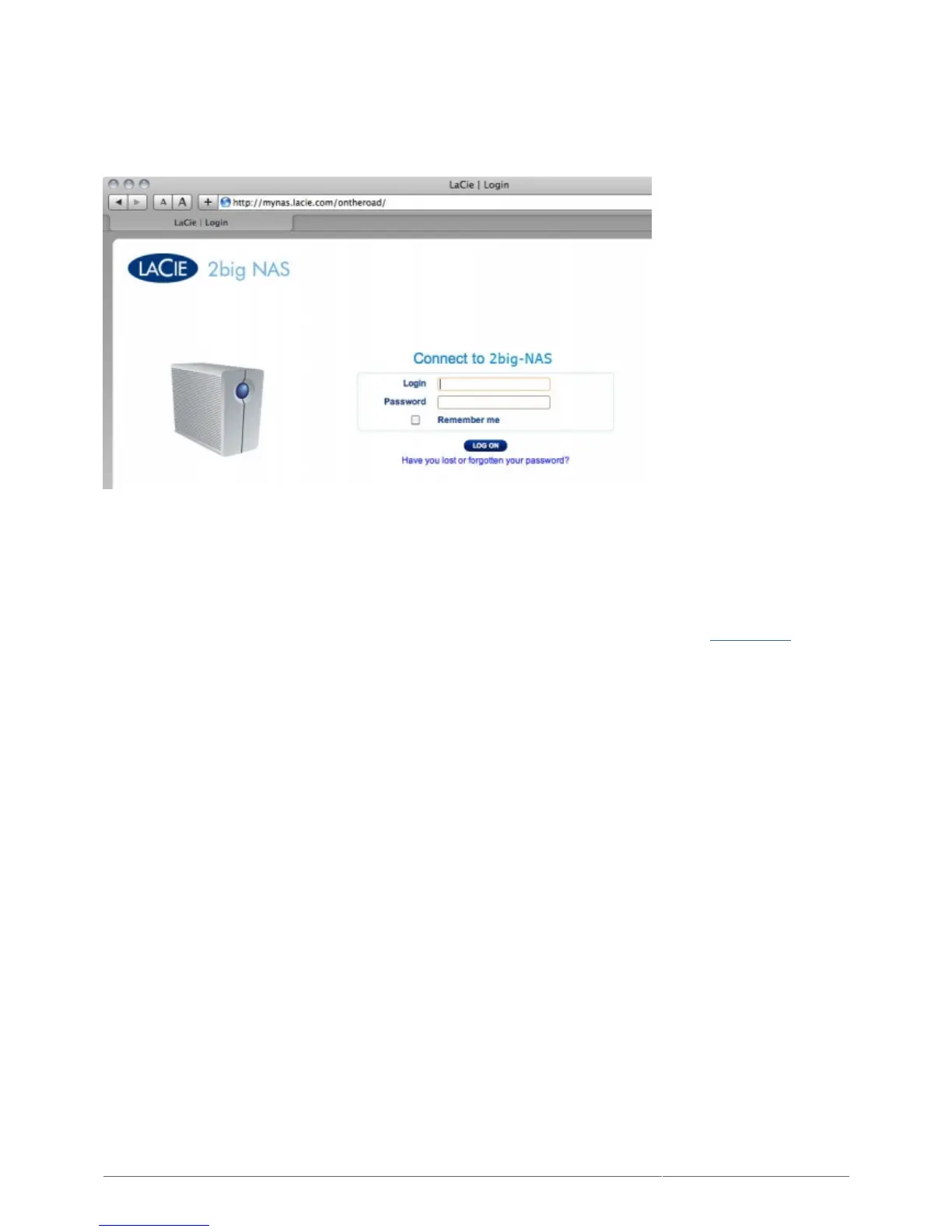
Once configured, simply type your NAS' URL into any browser, anywhere.
Your URL will be: mynas.lacie.com/name
After you input the URL, you will be asked to log in to the Dashboard. Note that this username and password are
the ones the administrator created in Dashboard > Users.
Once logged in, you will be able to access the Dashboard in order to administer your NAS (if you have
administrative privileges) or access the File Browser. The File Browser lets you upload, download, and stream
many types of multimedia files such as mp3. For more information on the File Browser, see File Browser.











 To Next Page