2big NAS User Manual 28
MEDIA SERVERS
You can configure your LaCie NAS to share files (read-only) with UPnP/DLNA devices connected to the same
network. Follow these steps:
Make sure your LaCie NAS is connected to your network as described in Connect to the Network.1.
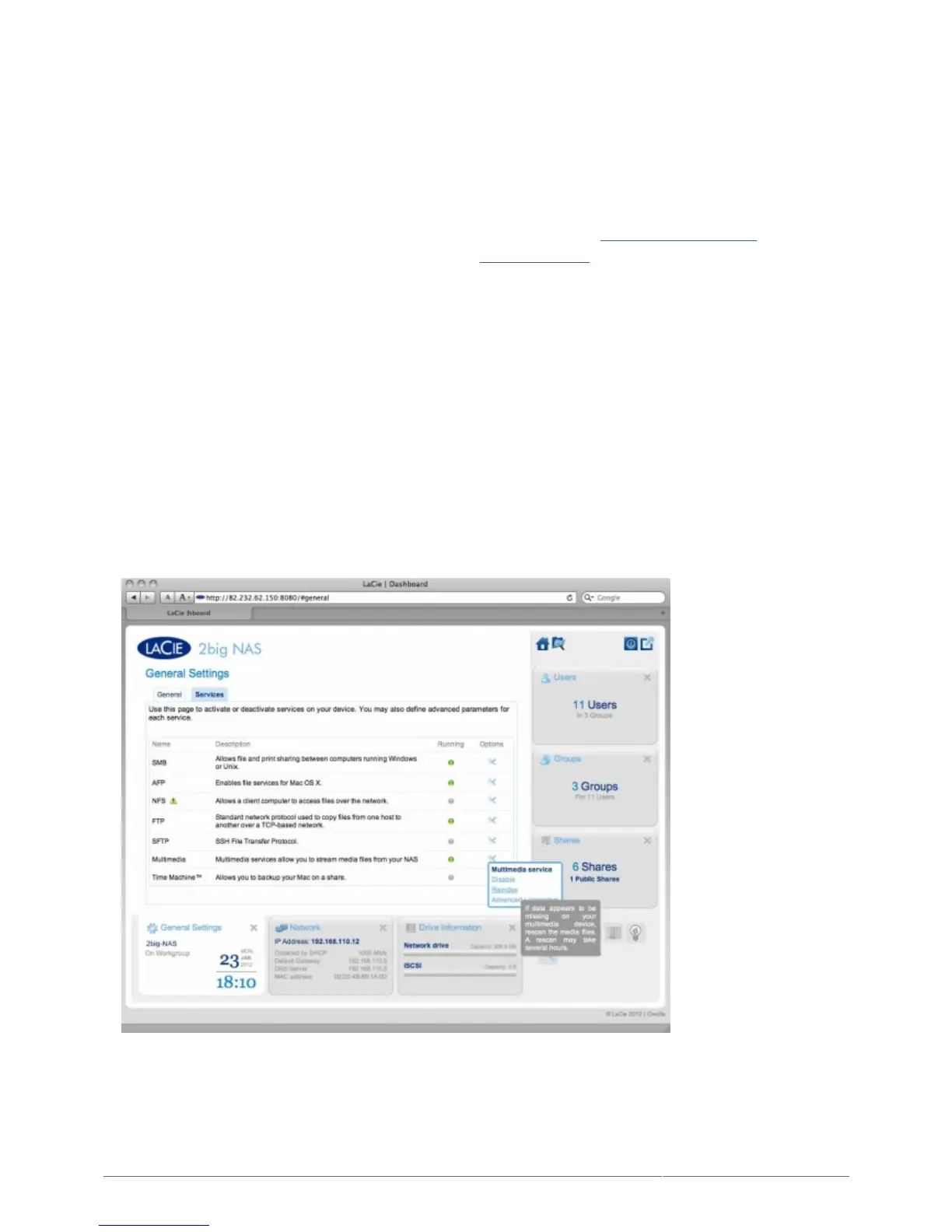
Enable the Multimedia service on the Dashboard (see General Settings).2.
Now you will be able to play files located on your NAS' share onto any other UPnP/DLNA-certified3.
player/adapter (such as an Xbox 360, PlayStation 3, a DLNA mobile phone, etc.) that is connected to your
network.
REINDEX THE MEDIA SERVER
If some files seem missing on your multimedia device, you can force a re-scan of your media files. To do so:
Navigate in the Dashboard to the General Settings page, then click the Services tab.1.
Click the configuration icon in the Options column of the Multimedia row.2.
Click the Re-index link. Note that if you have a lot of multimedia files on your NAS, this process could take3.
more than an hour.











 To Next Page