2big NAS User Manual 27
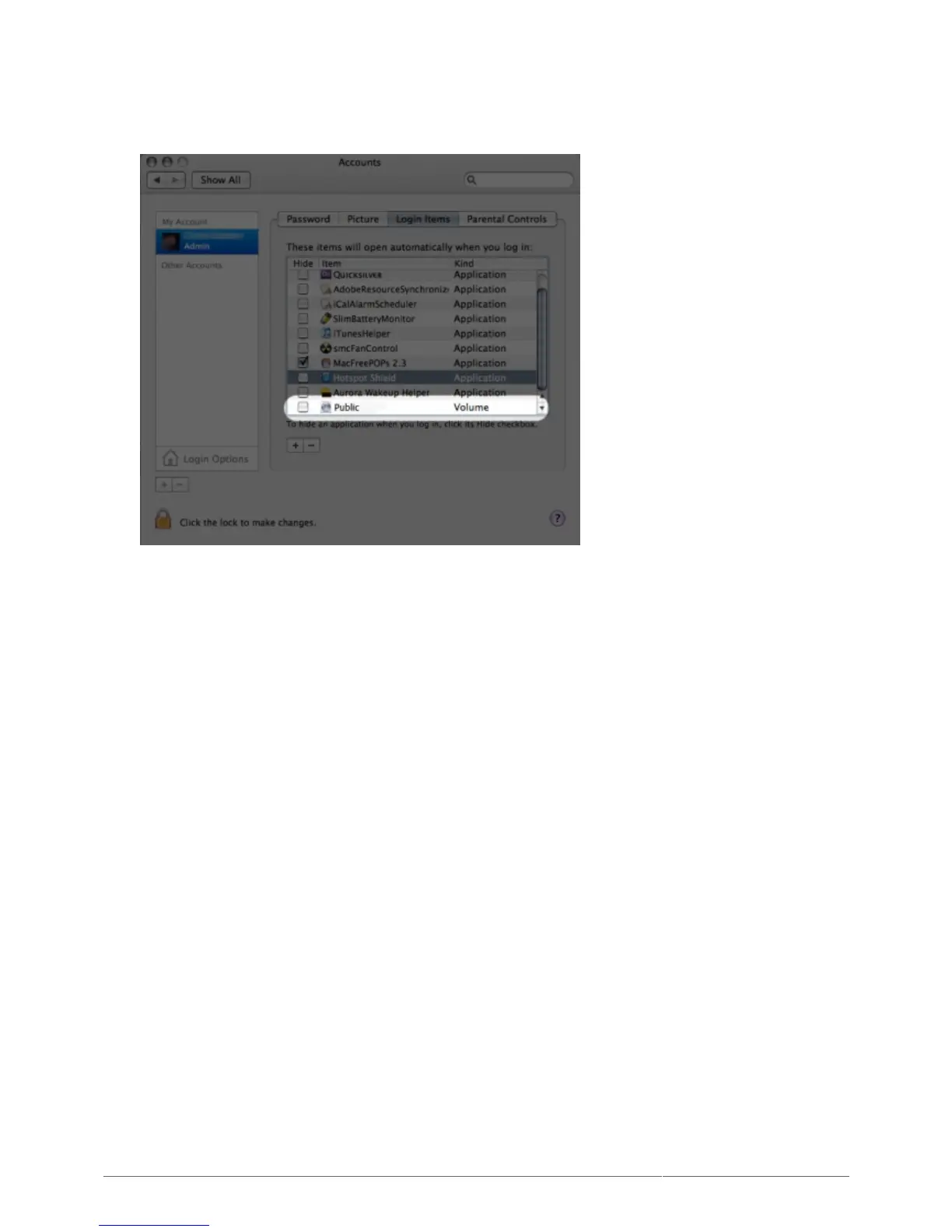
From the Apple icon in the menu bar, select System Preferences > Accounts > Login Items.1.
Click on the ”+” sign to add a new item to the list and browse for the share. Please note that the shares2.
must be mounted in order to add them to the list.
When you log on to the Mac OS, the share(s) will automatically mount on your desktop (as long as you3.
haven't configured your Finder not to display connected servers on your desktop).











 To Next Page