2big NAS User Manual 77
Remote Access
LaCie's new remote access system, called LaCie MyNAS, makes accessing your NAS away from home a cinch.
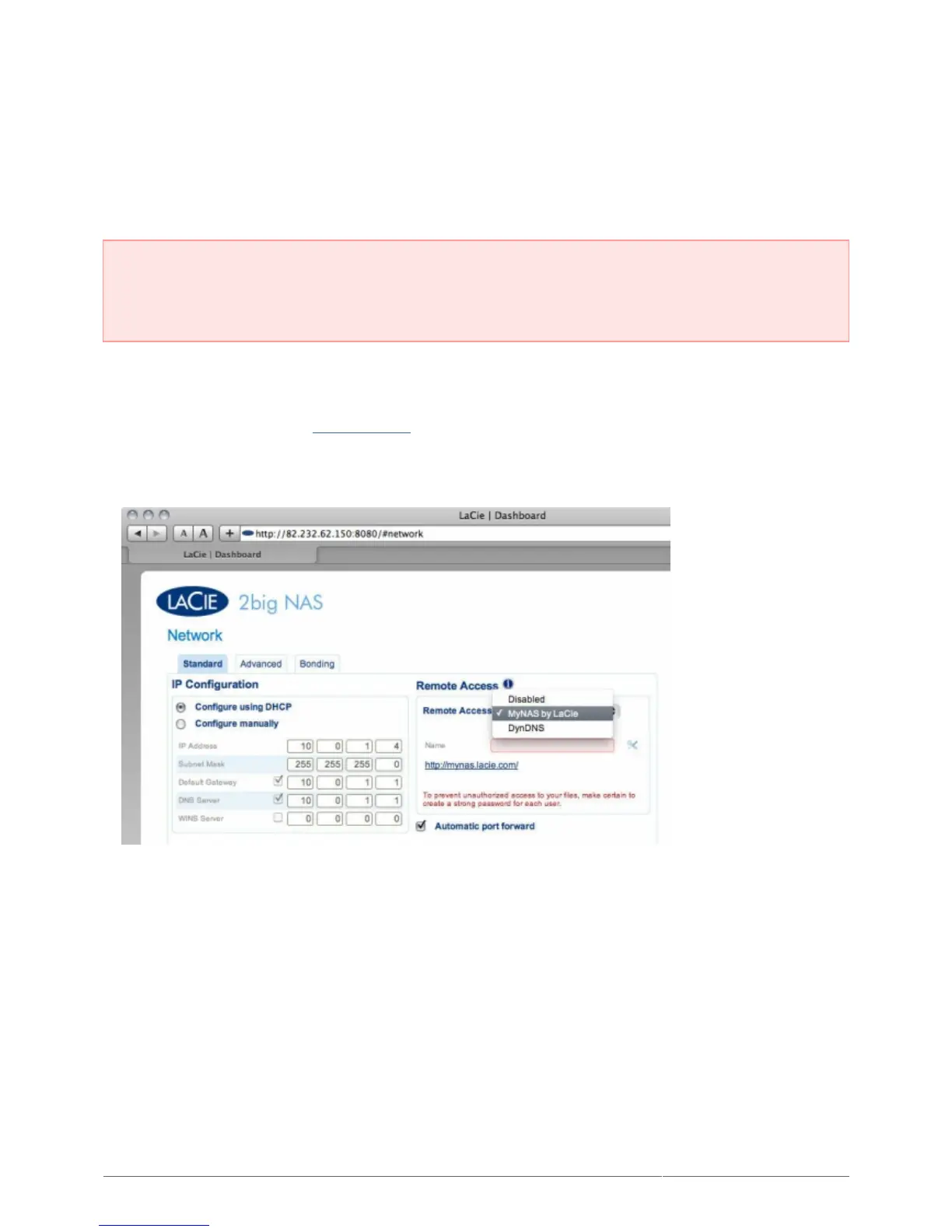
Simply create a unique, public username for your NAS in Dashboard > Network, then use this name to access
the NAS in a browser – from anywhere.
Important info: In order to prevent unauthorized access, it is critical to protect each of the user and
administrator accounts registered to your NAS with a strong password BEFORE setting up remote access.
Since LaCie MyNAS lets you access your NAS with a simple URL, malicious users could guess the URL and
access your NAS' files unless each user is protected by a strong password.
Set Up Remote Access
For a video demonstration, see here (youtube).
Navigate to Dashboard > Network.1.
In the drop-down menu, choose LaCie MyNAS.2.
Next, type a name for your NAS in the Name field.3.











 To Next Page