2big NAS User Manual 71
DRIVE INFORMATION
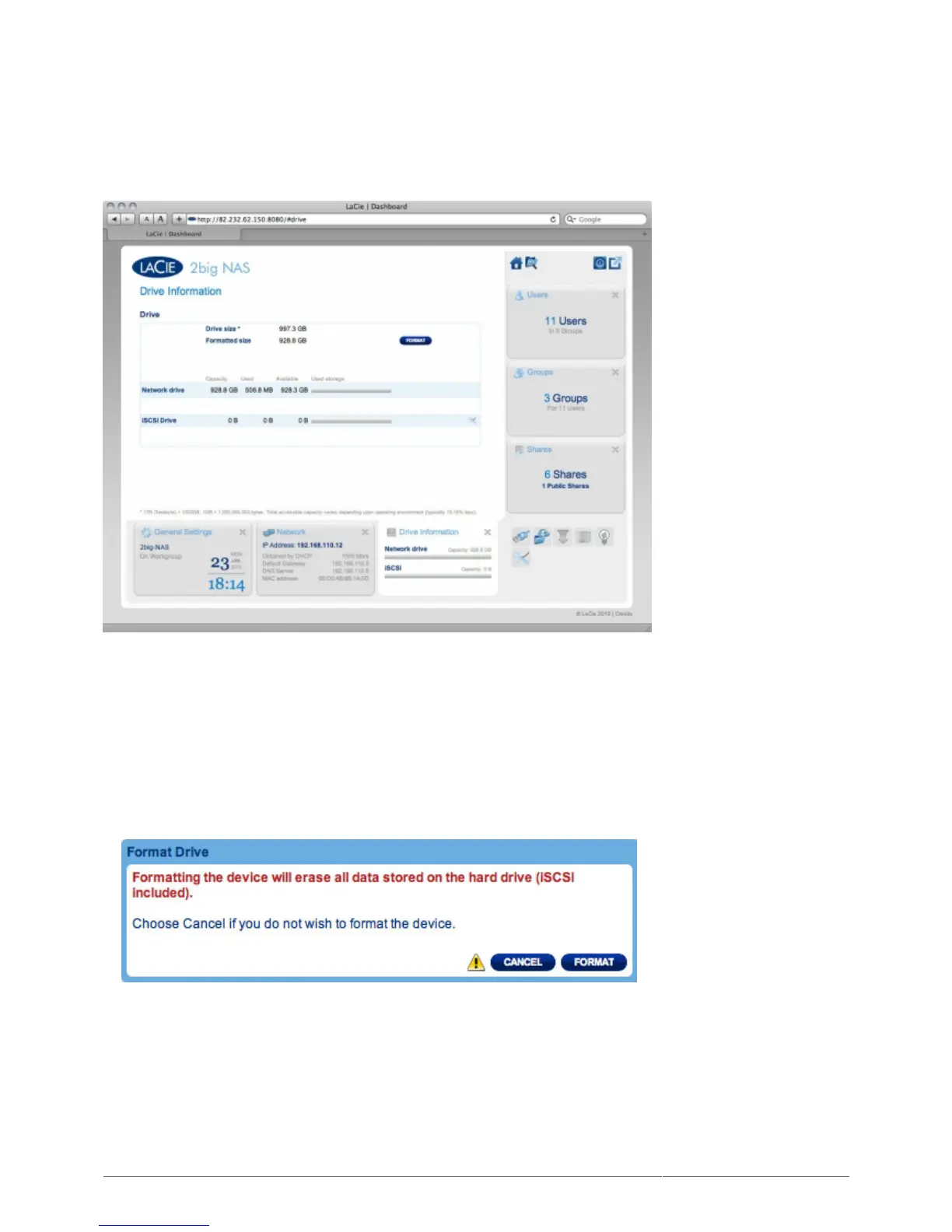
This page shows you information about disk usage and will allow you to reformat your disk(s).
When you click the top FORMAT button, ALL data on the disk(s) (including on iSCSIShare) will be erased and
the disk(s) will be formatted. Data on any USB or eSATA hard drive connected to the expansion ports will not be
affected.
To reformat:
Click the FORMAT button.1.
In the blue window that opens, confirm by clicking the FORMAT button.2.











 To Next Page