2big NAS User Manual 96
REPLACING DISK
Disk Removal
If your array is protected, ie in a RAID 1 mode, you can remove a disk while the product is turned on without
damaging the array and losing data, a process also referred to as “hot-swapping”. However, if you remove a
disk from an unprotected (ie RAID 0) array, you may lose data.
Caution: After continuous use of the NAS, drives may be hot. Use caution when removing.
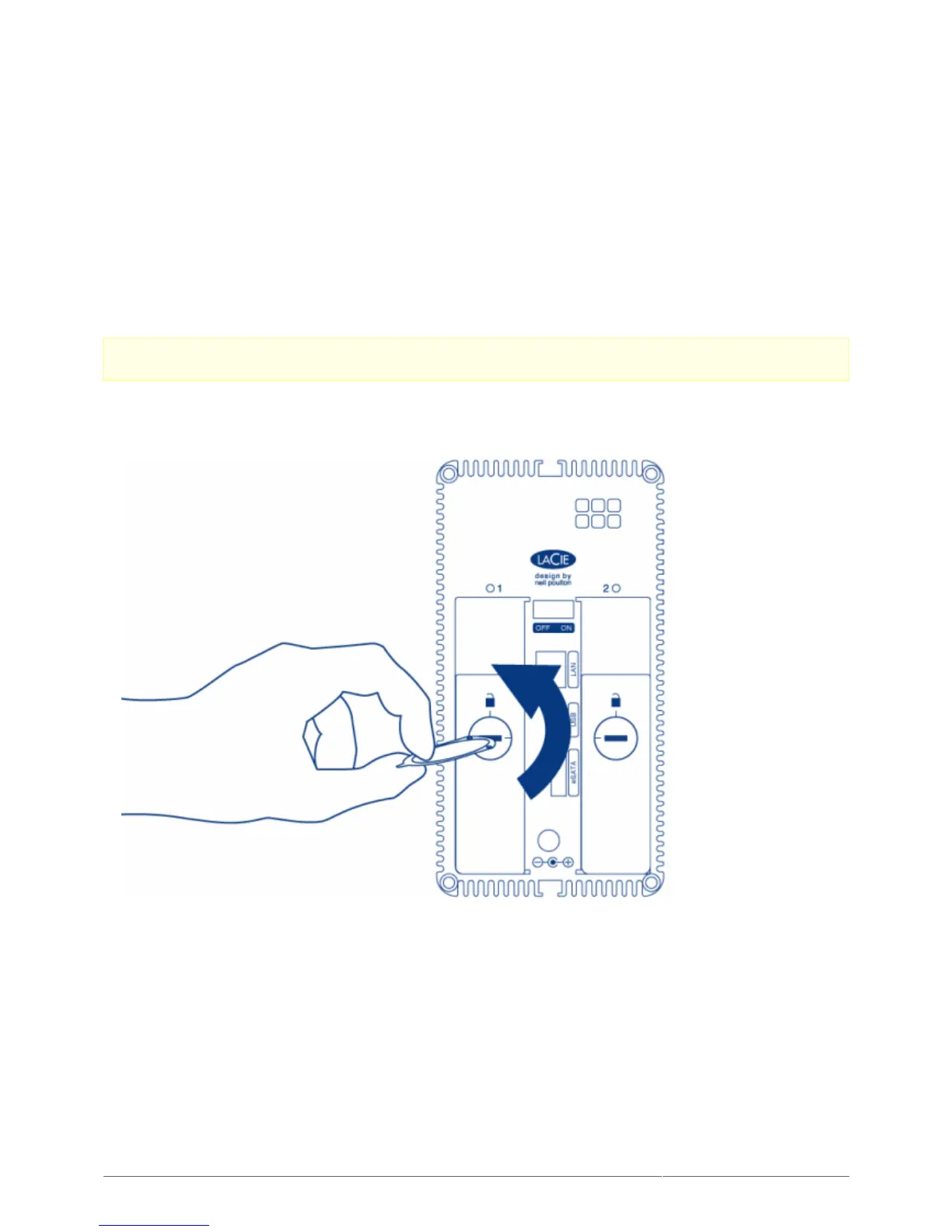
The drive tray may be locked. To unlock it, use the included disk drawer key to turn the lock until the slot is1.
vertical.
Draw out the drive tray by inserting your finger into the space behind the drive tray handle and pulling to2.
disengage the drive.











 To Next Page