2big NAS User Manual 91
MANAGE RAID
Your 2big NAS features a robust RAID management system that will allow you to choose and manage the RAID
mode most optimized for your data.
MODIFY RAID MODE
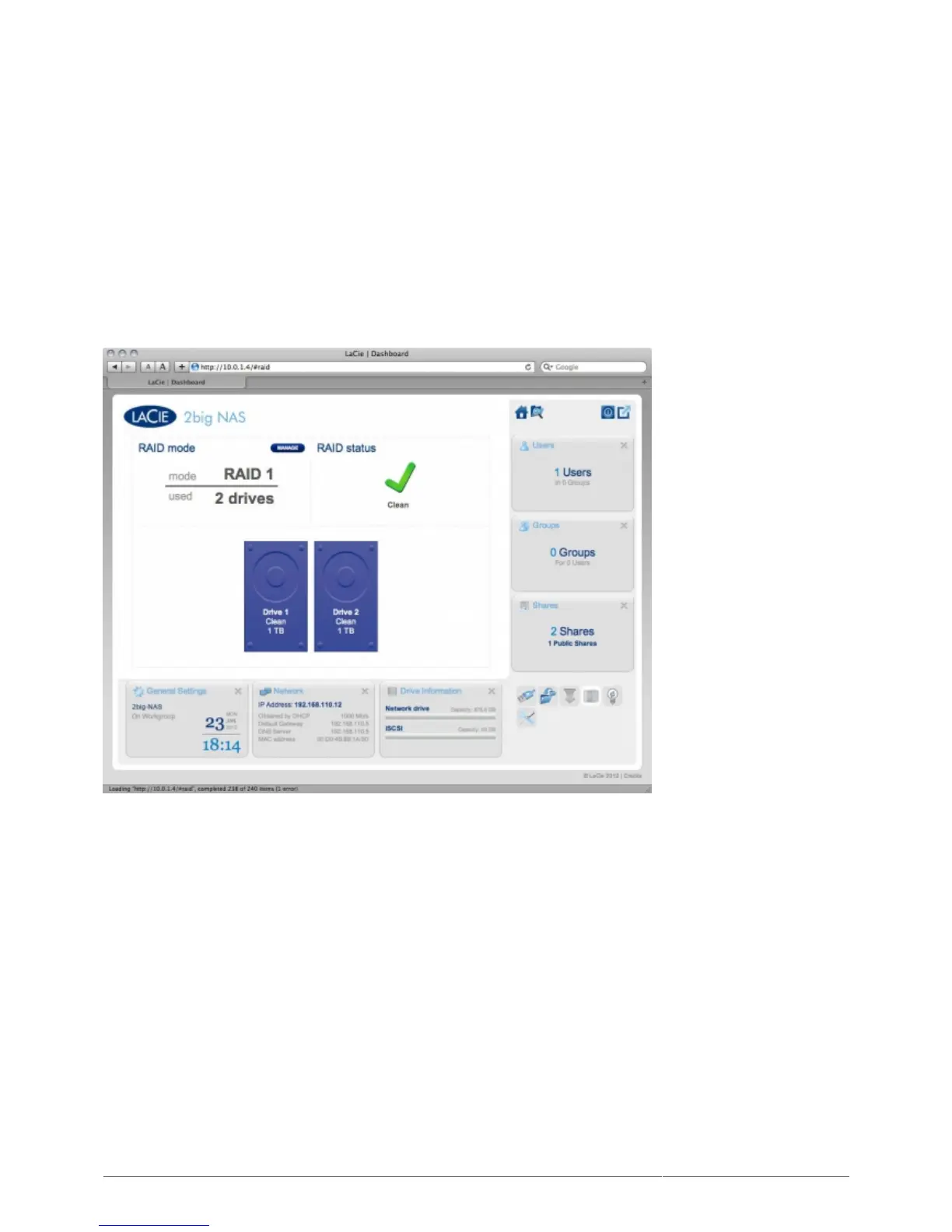
RAID mode: This box shows you the current RAID scheme for your NAS, as well as the number of disks
■
involved in the scheme.
RAID status: This box lets you know whether the array is healthy, degraded, or synchronizing. A yellow
■
warning icon will inform you if your array is unprotected in the case of a single disk failure. This may be due to
a degraded protected RAID array or if you have chosen RAID 0.
Drive map: Click the illustration of the disk to see which slot in the NAS the disk occupies.
■
RAID Setup Wizard
Click the MANAGE button to launch the RAID Setup Wizard. Choose which of the disks to include in the array.1.
Click NEXT.











 To Next Page