2big NAS User Manual 36
Recover a Lost Password
If a user has forgotten his/her password, it can be recovered if an SMTP server has been assigned (see Network)
and an email address has been input for that user on the Users page.
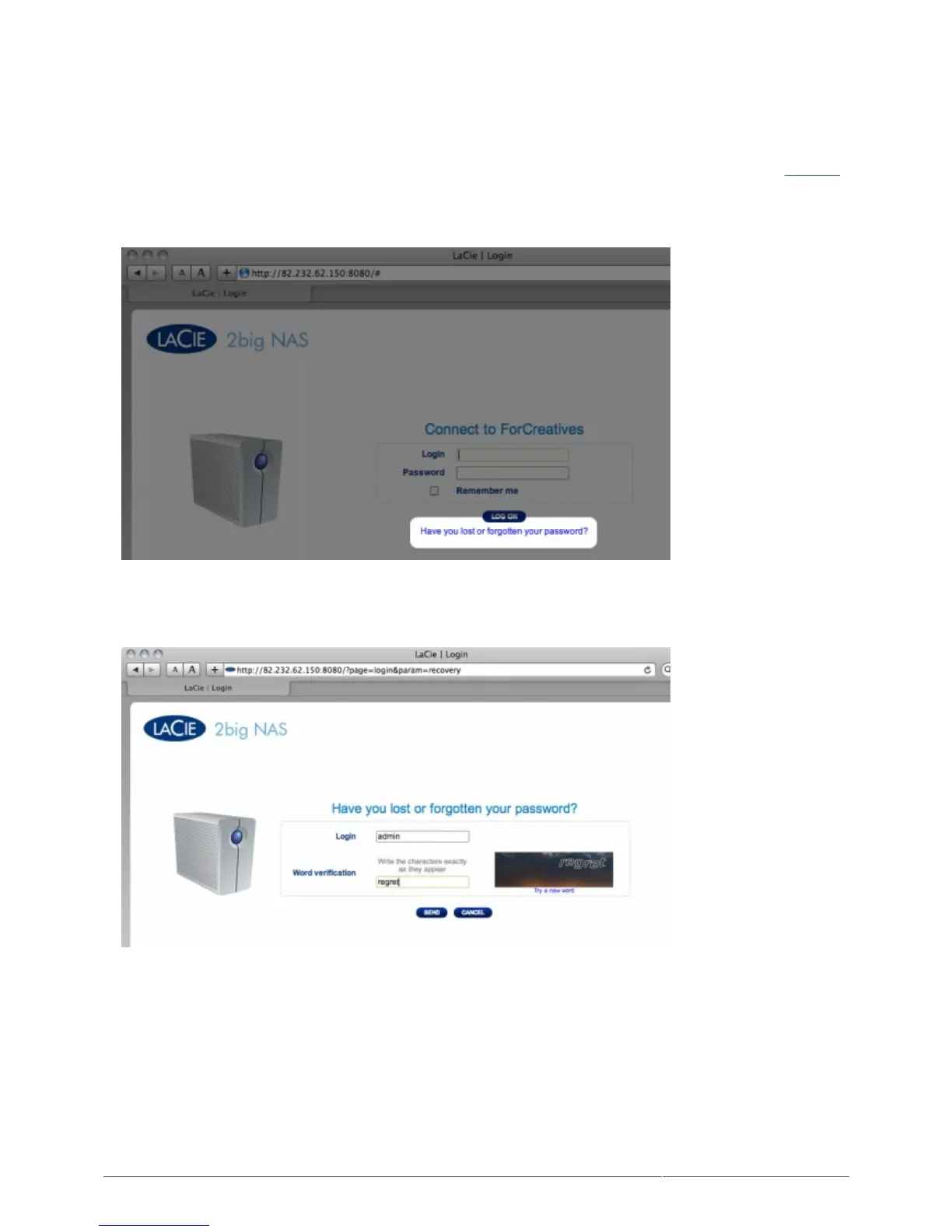
In the login page, click Have you lost or forgotten your password?.1.
In the next page, type in the username. Then type the word you see in the image on the right (this ensures2.
that the request is coming from a person) and click send.
The email will arrive in the user's email inbox. In the email, click the Click here link.3.
In the Reinitialize your password screen, type your login, new password, then reconfirm the new password,4.
then click Send.











 To Next Page