2big NAS User Manual 86
EXTERNAL PORTS
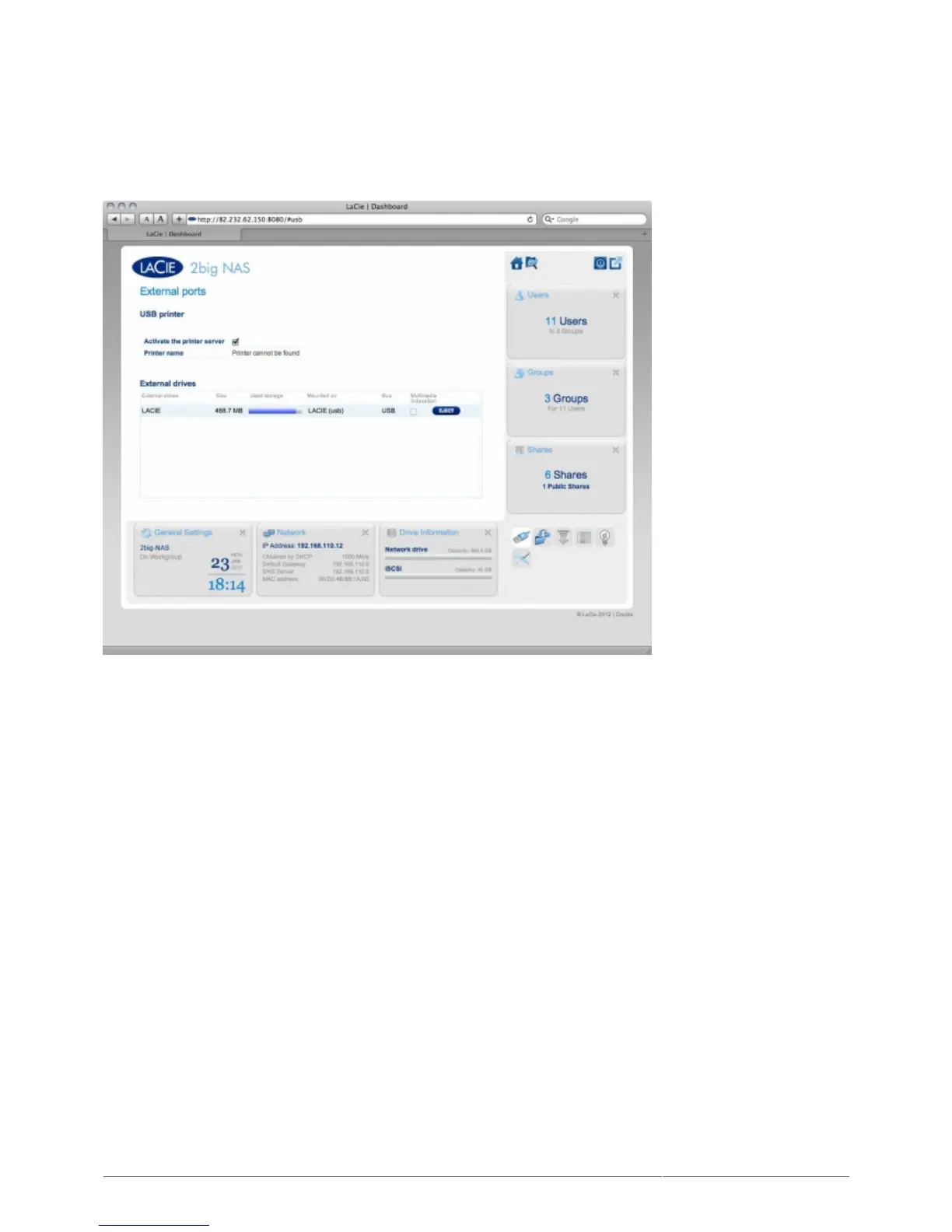
This page provides you with information on devices connected to one of the LaCie NAS' USB or eSATA expansion
ports.
USB PRINTER
Your LaCie NAS features a printer server. To activate it, click the Activate the printer server check box. Then
power on the printer and connect it to the NAS via a USB expansion port on the rear of your LaCie NAS. Once
connected, the printer will be listed on the Dashboard - External Ports page, and the printer will become
available throughout your network. Correct printer drivers must be installed on the host computer.











 To Next Page