2big NAS User Manual 44
three levels of service activation – global, default, and share. The global level overrides the other levels. If a
service is activated at the global level, a green light will be listed in the Running column. The share level
overrides the default level but not the global level. To activate a service at the share level, see Manage Shares.
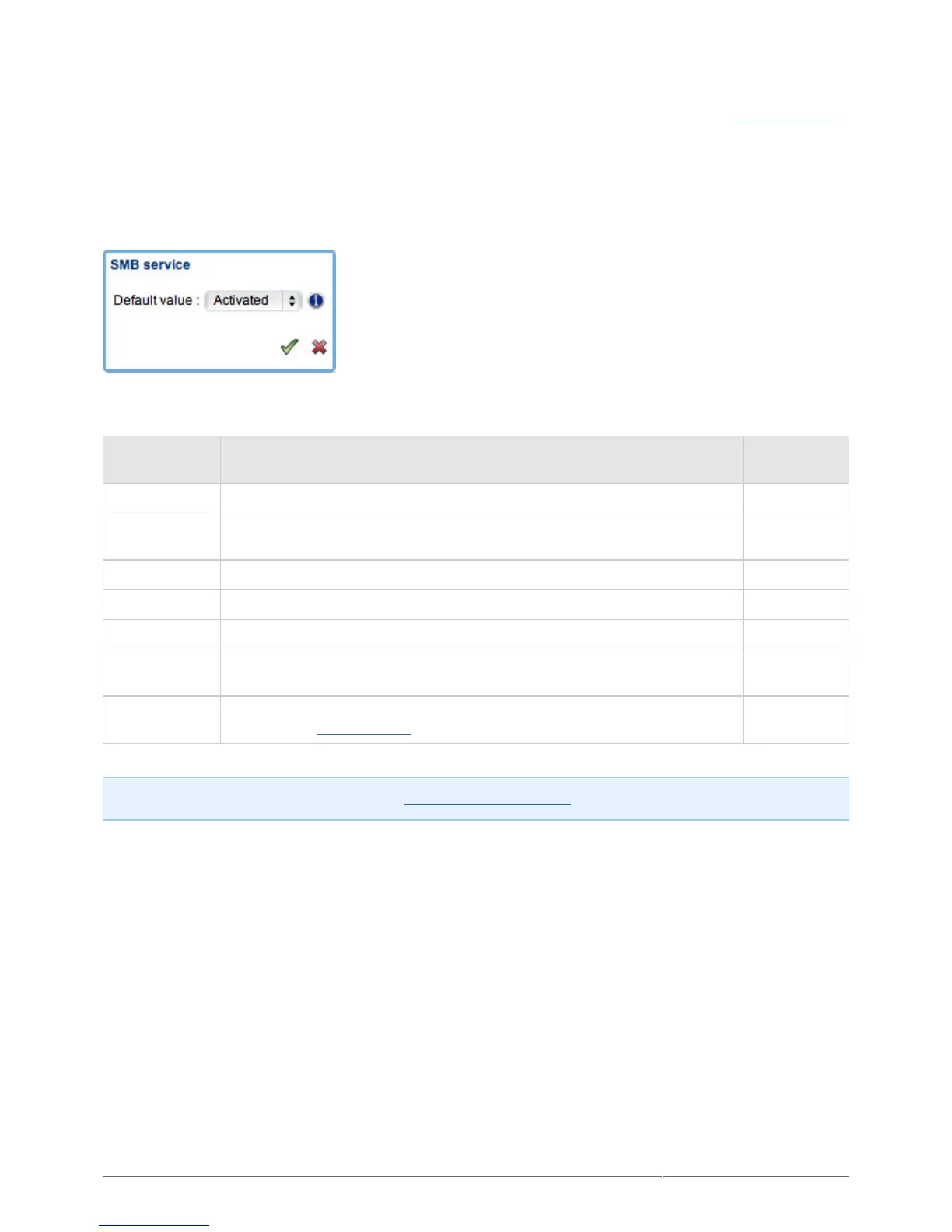
Click the Options icon to:
Activate or deactivate the service at the global level.1.
Activate or deactivate the service at the default level (service will automatically be active for newly created2.
shares).
The following table describes the available services.
Service Description
Active by
Default
FTP File Transfer Protocol. Upload and download files locally and remotely. No
SMB
Server Message Block. File and print sharing native to Windows. Also
compatible with Unix and Mac OS X operating systems.
Yes
AFP Apple Filing Protocol. File and print sharing native to Mac OS X. Yes
Time Machine™ Backup program integrated into Mac OS X only. No
NFS Network File System. File sharing native to Unix/Linux. No
SFTP
Secure File Transfer Protocol. Upload and download files locally or remotely
using a secure tunnel.
No
UPnP
Stream multimedia files from the server to compatible devices on the
network. See Media Servers for details.
No
Note: SFTP is disabled automatically when Enable Netbackup Server is activated.











 To Next Page