2big NAS User Manual 54
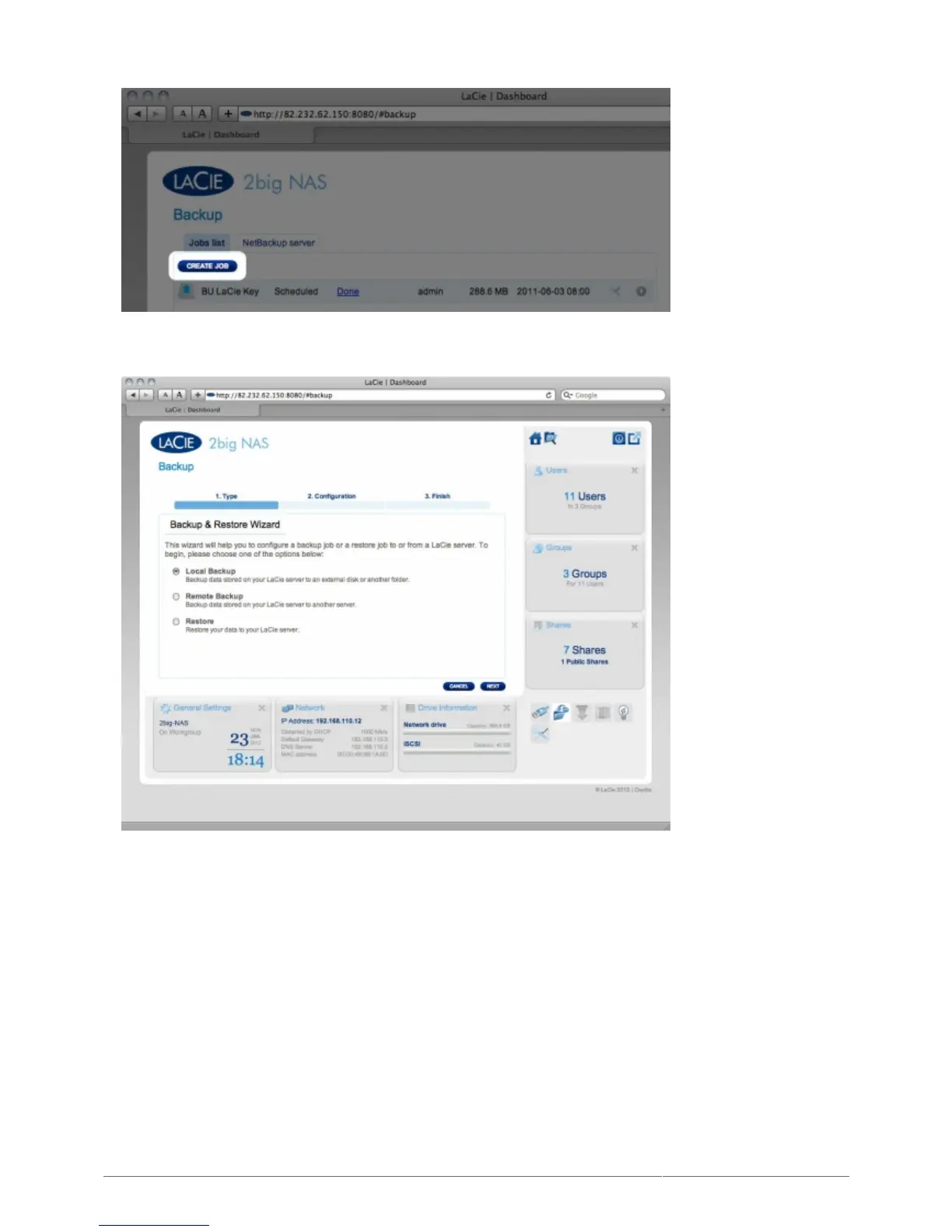
Next, choose Local backup, then click NEXT.2.
In the next screen, choose one or multiple sources (ie, what will be backed up) in the left-hand column. Then3.
choose a destination (ie, where the files will be backed up) in the right-hand column. To create a new folder,
navigate to where you wish it to be created, then click the CREATE FOLDER button. Note that shares or
folders to which you do not have write access will not be listed. Click NEXT.











 To Next Page