2big NAS User Manual 61
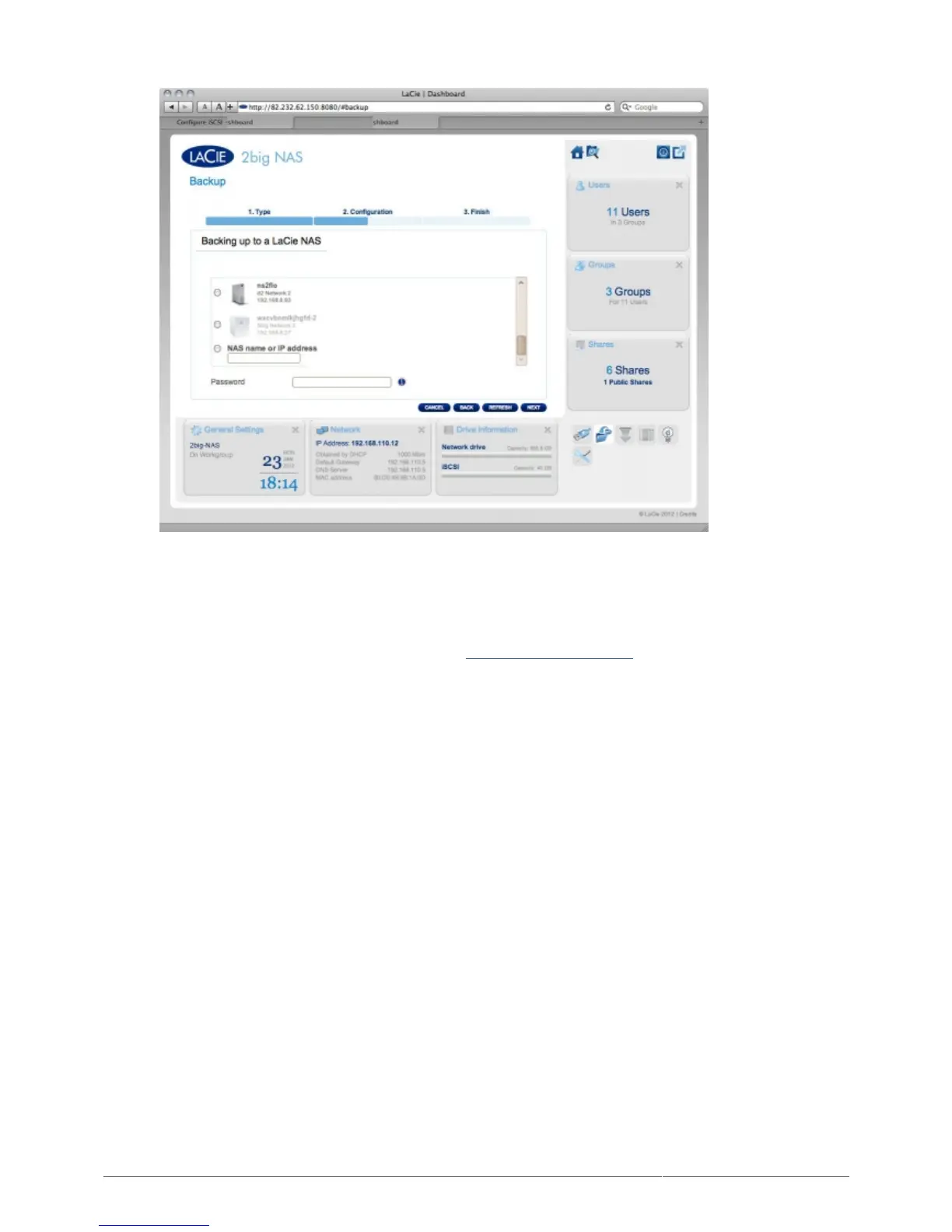
Either:
Select a NAS, then type in the password you created when activating netbackup on the target NAS.
■
Or, type in the public IP address of a remote LaCie NAS, then type in the password you created when
■
activating netbackup on the target NAS.
For details on preparing the target NAS, see Enable Netbackup Server below.
■
The NAS will test the connection. If successful, you will see the advanced parameters screen. Otherwise,3.
retry with modified settings.
In the Advanced parameters screen, choose optional features such as encryption or compression,4.
then click NEXT.











 To Next Page