2big NAS User Manual 63
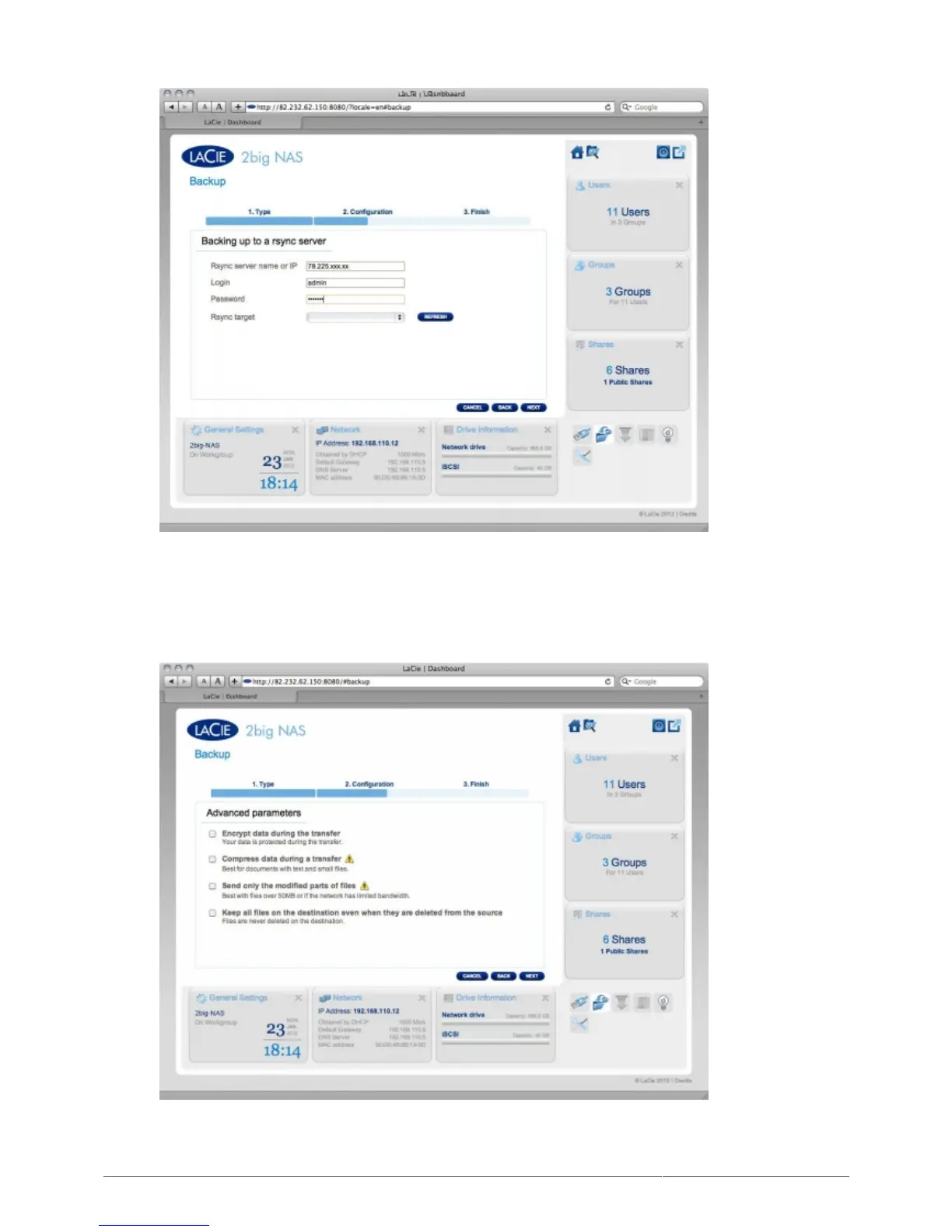
The NAS will test the connection. If successful, you will see the advanced parameters screen. Otherwise,2.
retry with modified settings.
In the Advanced parameters screen, choose optional features such as encryption or compression,3.
then click NEXT.
In the next screen, the Dashboard will test the connection. If the connection succeeds, you will see the4.
Select a Backup mode screen, which is explained in the local backup section of this user manual.











 To Next Page