49
Manikin SetupSystem SetupSimulation SetupClinical FeaturesMaintenanceTroubleshootingSpare Parts
Simulation Setup
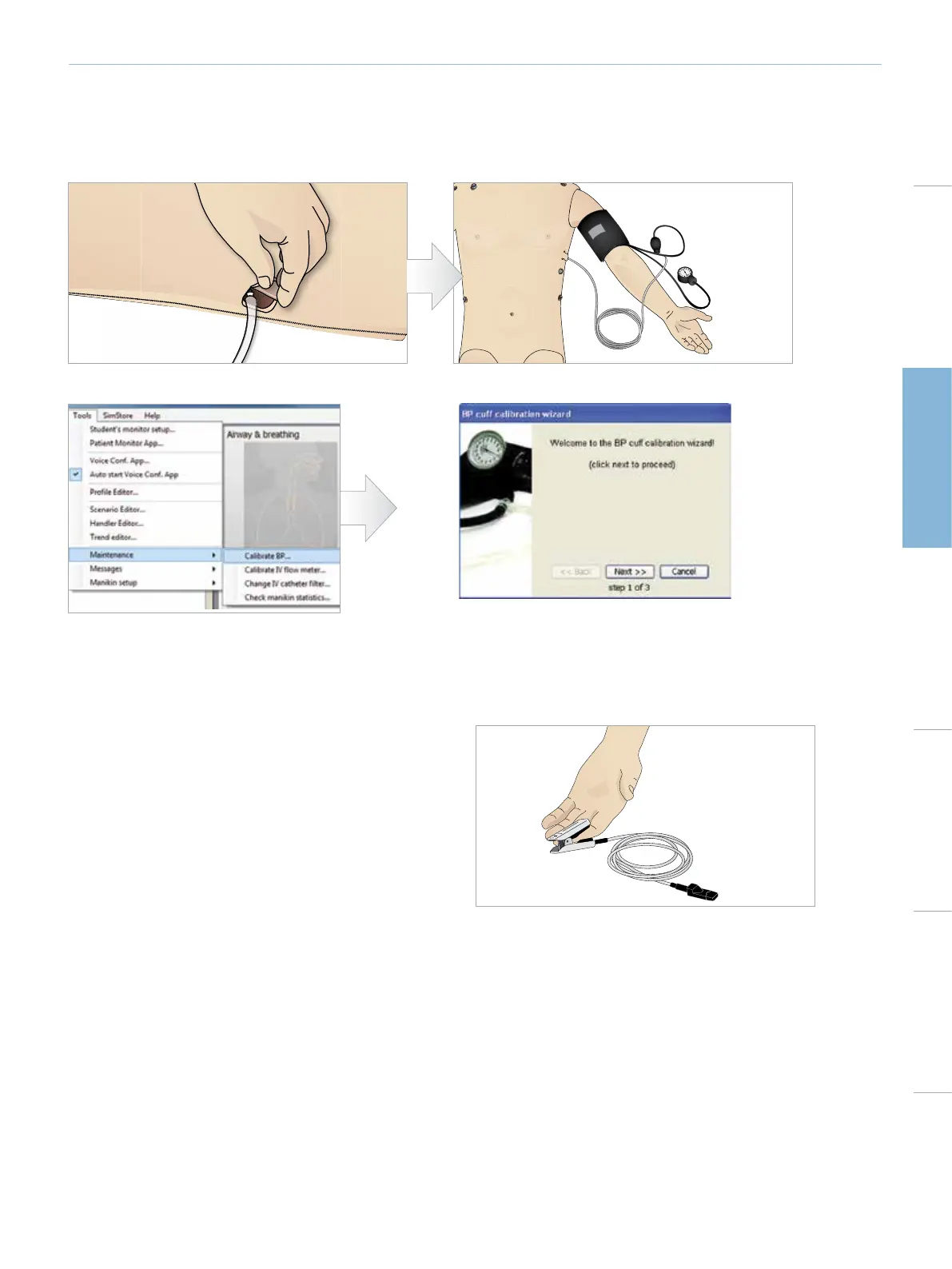
Connecting the Blood Pressure Cuff
The manikin is delivered with a specially adjusted blood pressure cuff. Connect the tube to the white BP connector at the side of the
manikin before use.
CALIBRATING THE BLOOD PRESSURE CUFF
Connecting the SpO
2
Probe
The SpO
2
probe can be purchased separately.
The SimMan Essential SpO
2
probe is made up of a light diode and
light sensor. When the beam between the diode and sensor is broken,
the Patient Monitor Application registers that the SpO
2
probe is
connected.
1 Connect the probe’s USB plug to the Patient Monitor PC.
2 The probe can be placed on any suitable area on the manikin,
Ensure that the probe is always firmly fixed in position.















 To Next Page