53
Manikin SetupSystem SetupSimulation SetupClinical FeaturesMaintenanceTroubleshootingSpare Parts
Clinical Features
• FBAO
• Teeth - soft upper dentures may be replaced with a hard set of teeth for enhanced realism while practicing intubations.
The SimMan Essential can also be connected to third part respiratory manikins. Contact your local Laerdal representative for
more information.
During simulation, the following conditions can be set:
• Can’t intubate / can ventilate
• Can’t intubate / can’t ventilate
The following information is automatically registered during a SimMan Essential simulation session:
• Detection of proper head position
• Jaw Thrust
• Pneumothorax decompression
• Ventilations
• Stomach distension
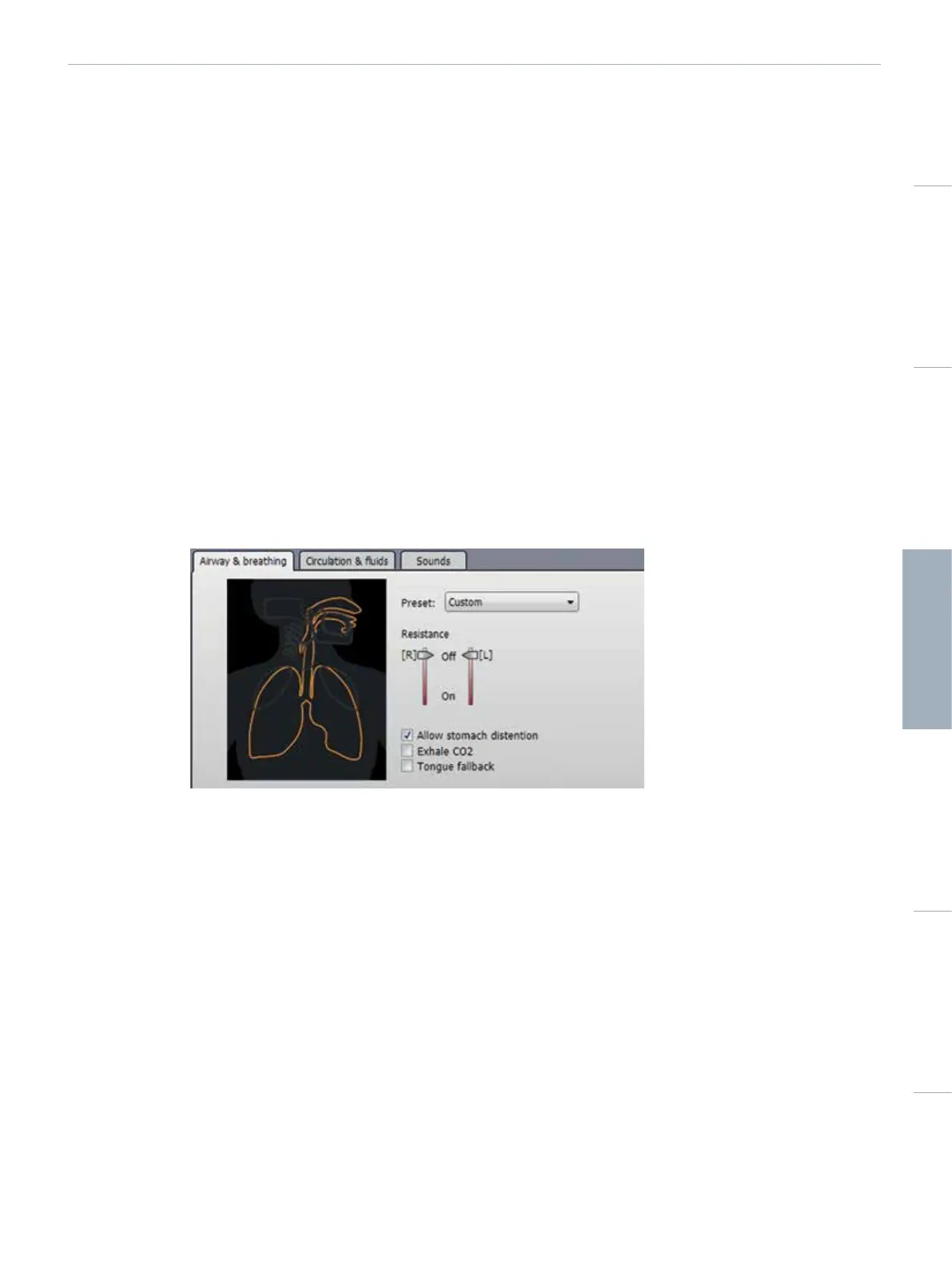
INSTRUCTOR MODE AIRWAY / BREATHING TAB
The Airway / breathing tab shows the status of the patient’s breathing and allows configuration of <Airway / breathing> settings.
1 - PRESET
Select preset using drop down menu. The airway configuration is then automatically set.
• Custom
• Normal
• Can’t intubate, can ventilate
• Can’t intubate, can’t ventilate
2 - RIGHT LUNG RESISTANCE
The On setting will cause a full airway obstruction on the manikin.
• Off - Normal
• On – Extreme
Off corresponds to Resistance = 0 in scenario editor.
On corresponds to Resistance = 3 in scenario editor.















 To Next Page