59
Manikin SetupSystem SetupSimulation SetupClinical FeaturesMaintenanceTroubleshootingSpare Parts
Clinical Features
4 - BOWEL SOUNDS
Select one of the following from the dropdown menu:
• Normal
• Hyperactive
• Hypoactive
• Borborygmus
• Hypoactive postop
• Hyperactive diarrhea
• Hypoactive constipation
• Paralytic ileus
• Diahorrea
5 - MORE BODY SOUNDS
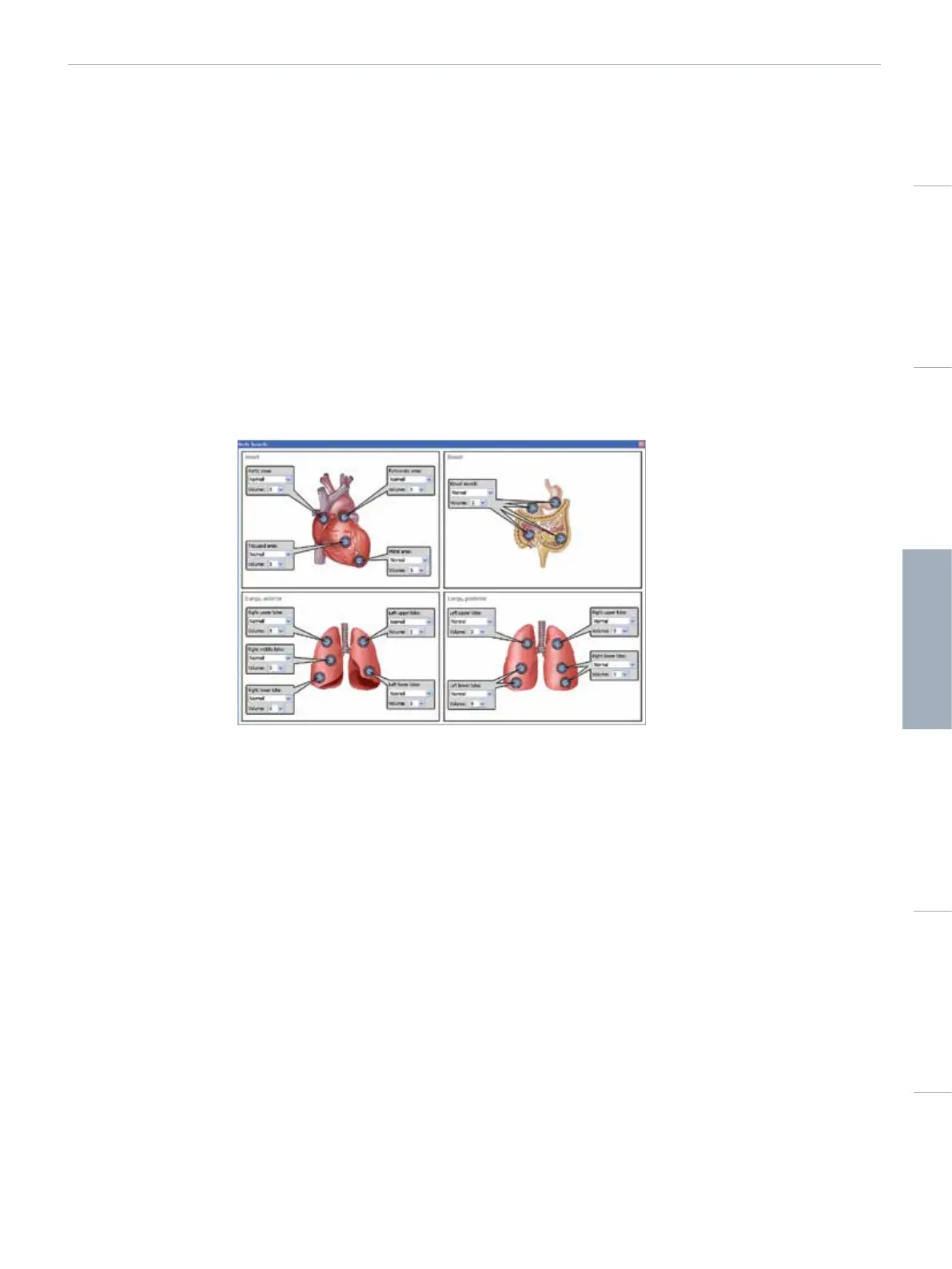
Click the <Adv. Sounds Control> to open the sounds control popup. The sound settings and volume for the each speaker.
6 - AUSCULTATION FOCUS
This will disable features generating mechanical noise in the manikin for 30sec. This includes stopping the compressor and preventing
chest rise.
7 - VOCAL SOUNDS
The manikin can vocalize sounds:
• Automatically, via playback of pre-recorded sound clips
• The instructor can communicate and interact directly through the loudspeaker in the manikin’s head
• Select from the list of Vocal Sounds by clicking on the name
8 - CONTROLLING SOUNDS
Click the same button to <Play> or <Pause> sounds.
9 - REPEAT VOCAL SOUNDS
To loop selected sound, click <Loop sound vocals>. The loop symbol turns green when sound loop is activated.
10 - MORE SOUNDS
A wider selection of sounds can be selected from the <More Sounds....> button.















 To Next Page