HVM200 Reference Manual Setting Up the Measurement 3-4
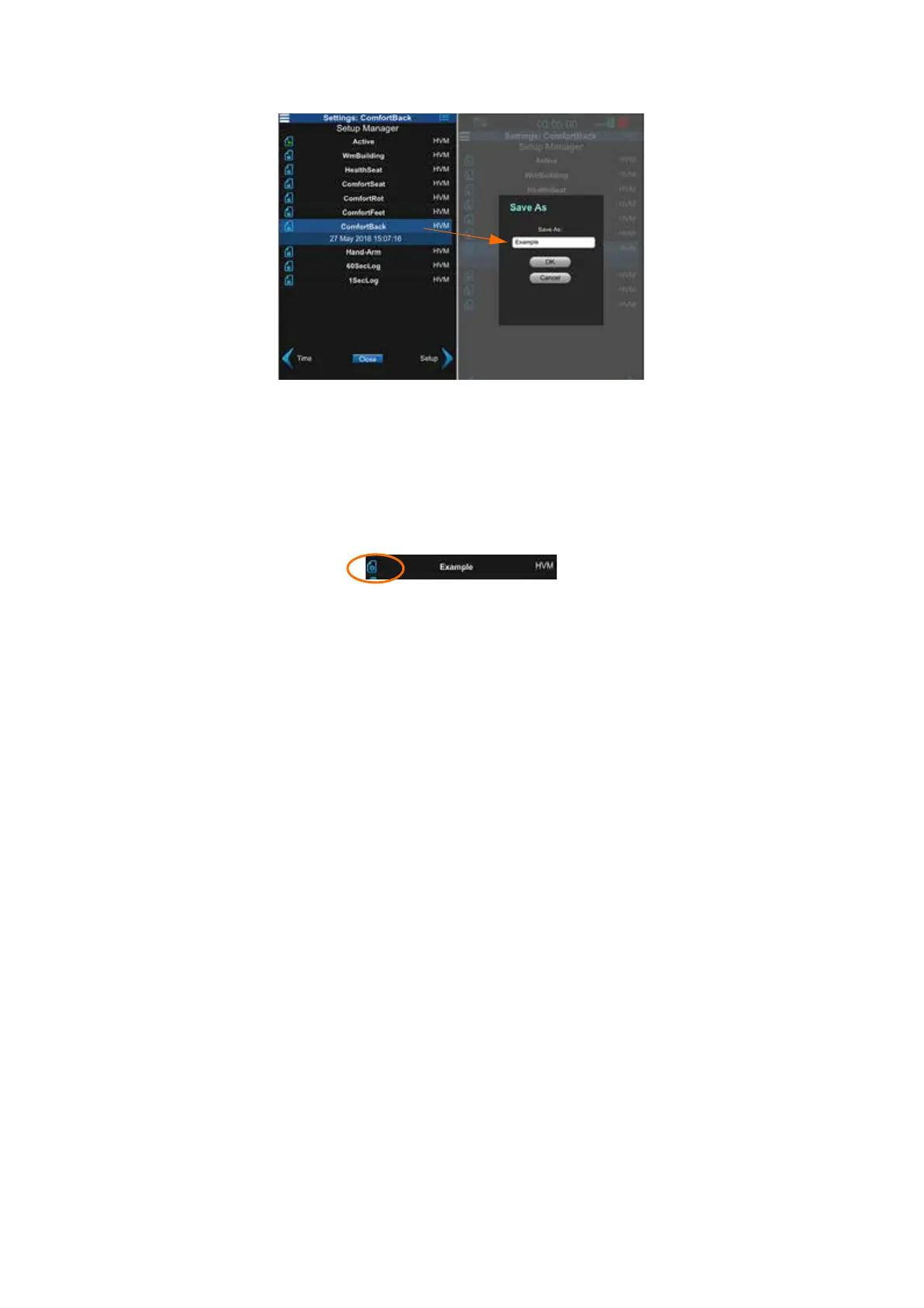
FIGURE 3-4 Name the Setup File
TAKE NOTE If you return to the
Setup Manager tab from a settings
tab, you are prompted to save set-
tings. Click Ye s to apply the changes
to the setup.
Step 3 Find and click the setup file you just created by scrolling
down the list. The list now displays a report icon next to
your new setup file.
FIGURE 3-5 Select New Setup File
Set Operating Mode, Interval Time, and Weighting
TAKE NOTE The interval time val-
ues represent the span that data is
collected, averaged, and stored
before starting a new sample.
Step 4 Use the bottom right arrow to move to the Setup tab, specify
any changes to your settings and select the Store Raw Data
option if you have it installed and need it for your post-mea-
surement analysis. The Store Raw Data option will greatly
increase the amount of memory required to store the mea-
surement. Click Save.
The supplied HVM200 memory card can store individual file sizes up to 2
GB and more than 6 hours of measurements with the Store Raw Data
option enabled. When not enabled, the card can store approximately 8000
hours of measurements.



 To Next Page