HVM200 Reference Manual Setting Up the Measurement 3-5
TAKE NOTE The Wh weighting is
automatically specified for all axes
with the Hand/Arm mode. For more
information on operating mode
options and weighting curves,
“Specifications” on page A-1.
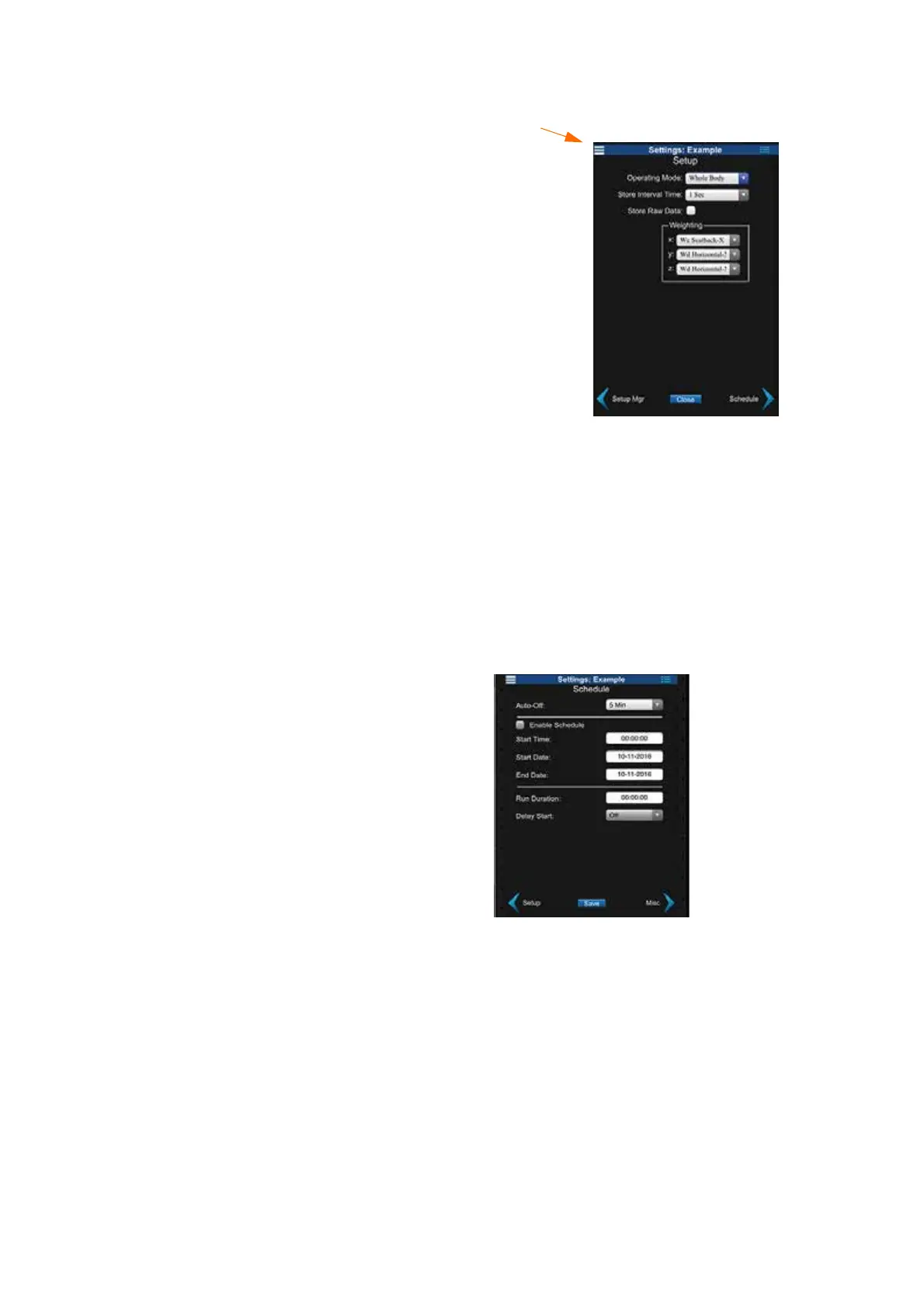
FIGURE 3-6 Operation Settings
Set Measurement Schedule
TAKE NOTE When run duration is
set to 00:00:00 the HVM200 will run
until manually stopped. If the run
duration is set to any other time, the
HVM200 will automatically stop
after acquiring data for the selected
amount of time.
Step 5 If needed, schedule the HVM200 to take a measurement
automatically by selecting the Enable Schedule option on
the Schedule tab. Specify the Start Time, Start Date, End
Date, and Duration. Specify a Delay Start, if needed.
TAKE NOTE If a manual measure-
ment overlaps with the Start Time of
a scheduled measurement, the sched-
uled measurement will not start until
the manual measurement has stopped
and any specified delay has passed.
FIGURE 3-7 Schedule Settings
TAKE NOTE Auto-Off is the
amount of time the HVM200 will
remain fully powered if it is not tak-
ing a measurement. If a measurement
occurs, this time will reset.
Set OBA Time History, Decibel Reference, and Exposure Settings
Step 6 On the Misc tab, select 1/1 Octave or 1/3 Octave to include
octave band analysis in your measurement data, if you have
the options installed.
This is the Setting
Menu which will
allow you to jump
to any of the set-
tings options at
anytime.



 To Next Page