Personnel:
n
Operating personnel
1. Switch to the main menu.
2.
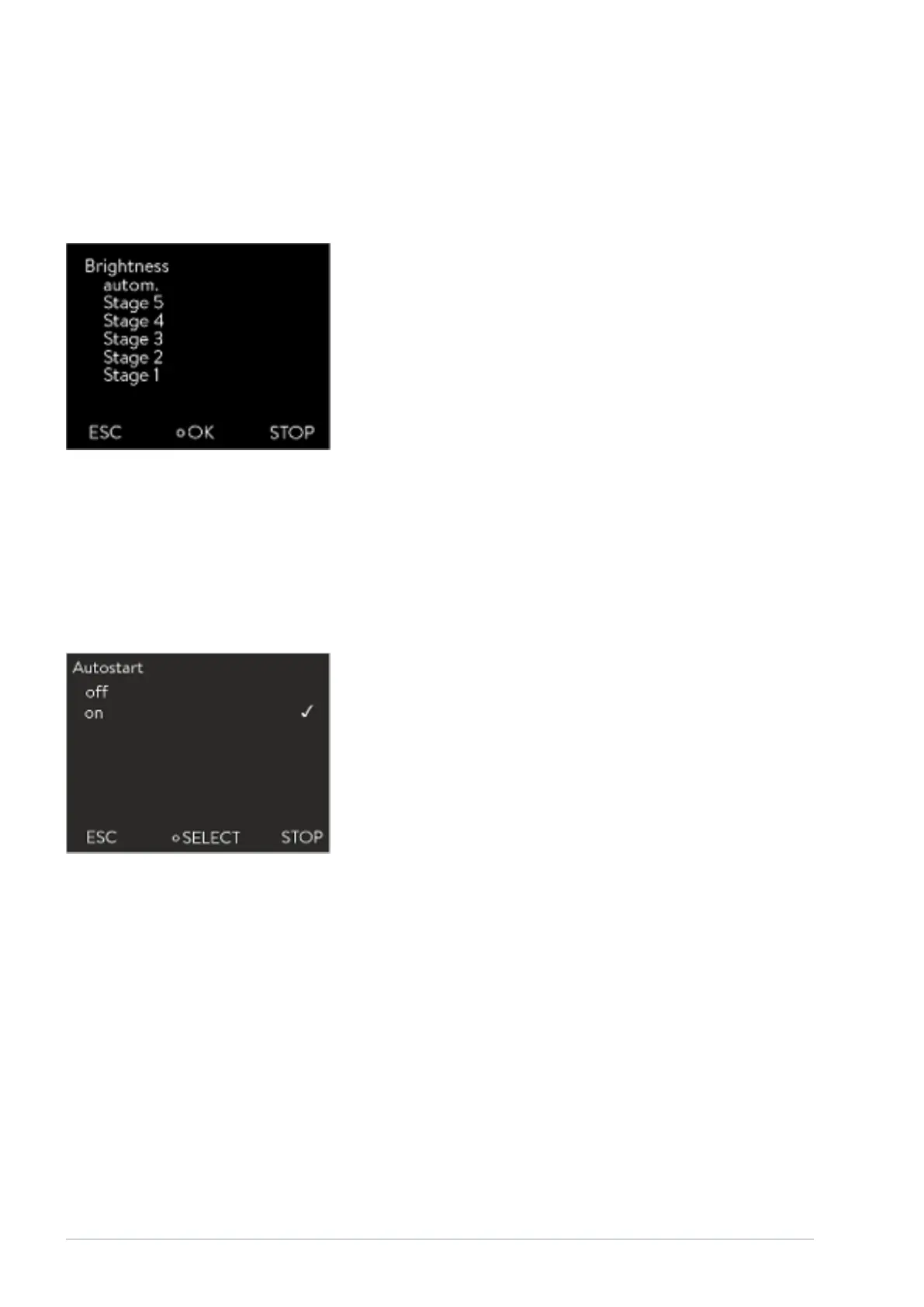
Select the Settings Basic setting Display Brightness menu item.
3. The following options are available in the entry window
n The brightness is adjusted automatically with the default setting
automatic .
n You can set the brightness manually with the Level
options.
The brightness intensifies from Level 1 . The respective brightness
immediately becomes visible on the display.
n You can completely switch o the backlight for the display with
o .
4. Press the input button to confirm.
6.12.4 Specifying the starting mode (Auto start)
The device will not automatically resume operation after a power failure and
restoration of the power supply. You can set the device to switch to Standby
mode after restoration of the power supply.
Personnel:
n
Operating personnel
1. Switch to the main menu.
2.
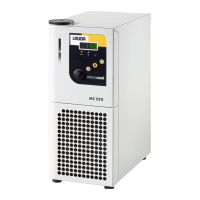
Select the Settings Basic setting Auto start menu item.
3. Select one of the following options
n The device switches to Standby mode when the power is restored
with o .
n The device continues operation (with the settings before the
power failure) after power has been restored with on
.
4. Press the input button to confirm.
Fig. 41: Adjusting brightness
Fig. 42: Selecting auto start setting
V08Variocool54 / 97


 To Next Page