10
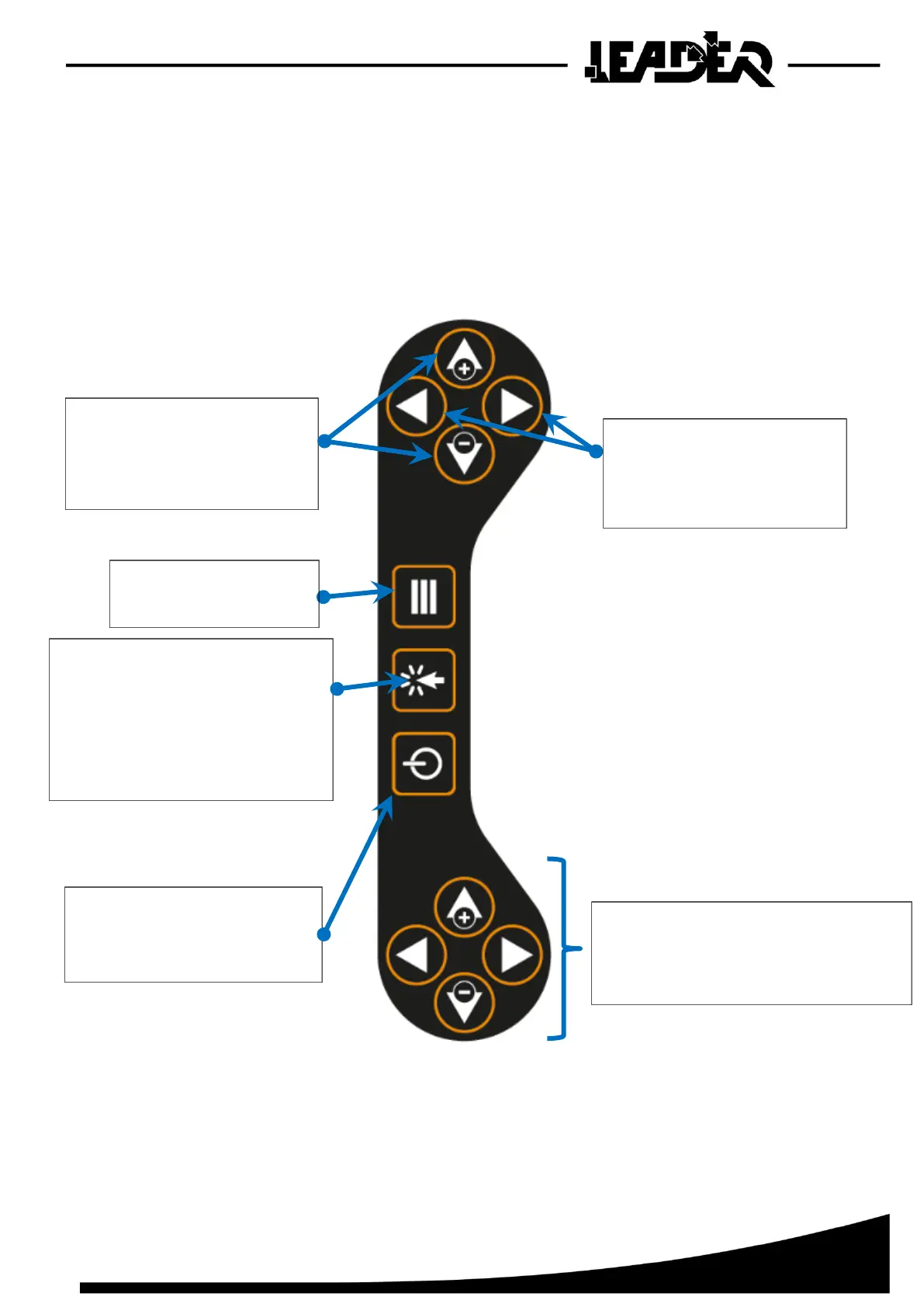
2.1.3 Control keyboard
The keyboard has photoluminescent buttons to make them easier to see in the dark. The keyboard
is reversible so it can be used by a right or left-handed operator. To move from one to the other,
the corresponding function must be selected.
View in “Right hand use mode”:
- Select the following functions in
the menu: Pointer, Mini, Maxi,
Brightness
- Start Record function
- Select Left/Right hand function
- Select Expert mode (if the menu does
not appear)
- Navigate up/down the menu.
- Adjusting the following functions
once selected in the menu: Pointer,
Mini, Maxi, Brightness
Starting the control box by pressing it.
To switch off, hold for 2 seconds.
- Adjusting the Sensitivity function
- Selecting Auto or File settings in
the Source function
- Identical function to upper buttons
- Useful when box used in left hand mode



 To Next Page