23
4 Menu: Description of functions
Each functionality is controlled from the control keyboard, either with the up + /down - arrowsor
the right/left arrows (see chapter 2.1.3)
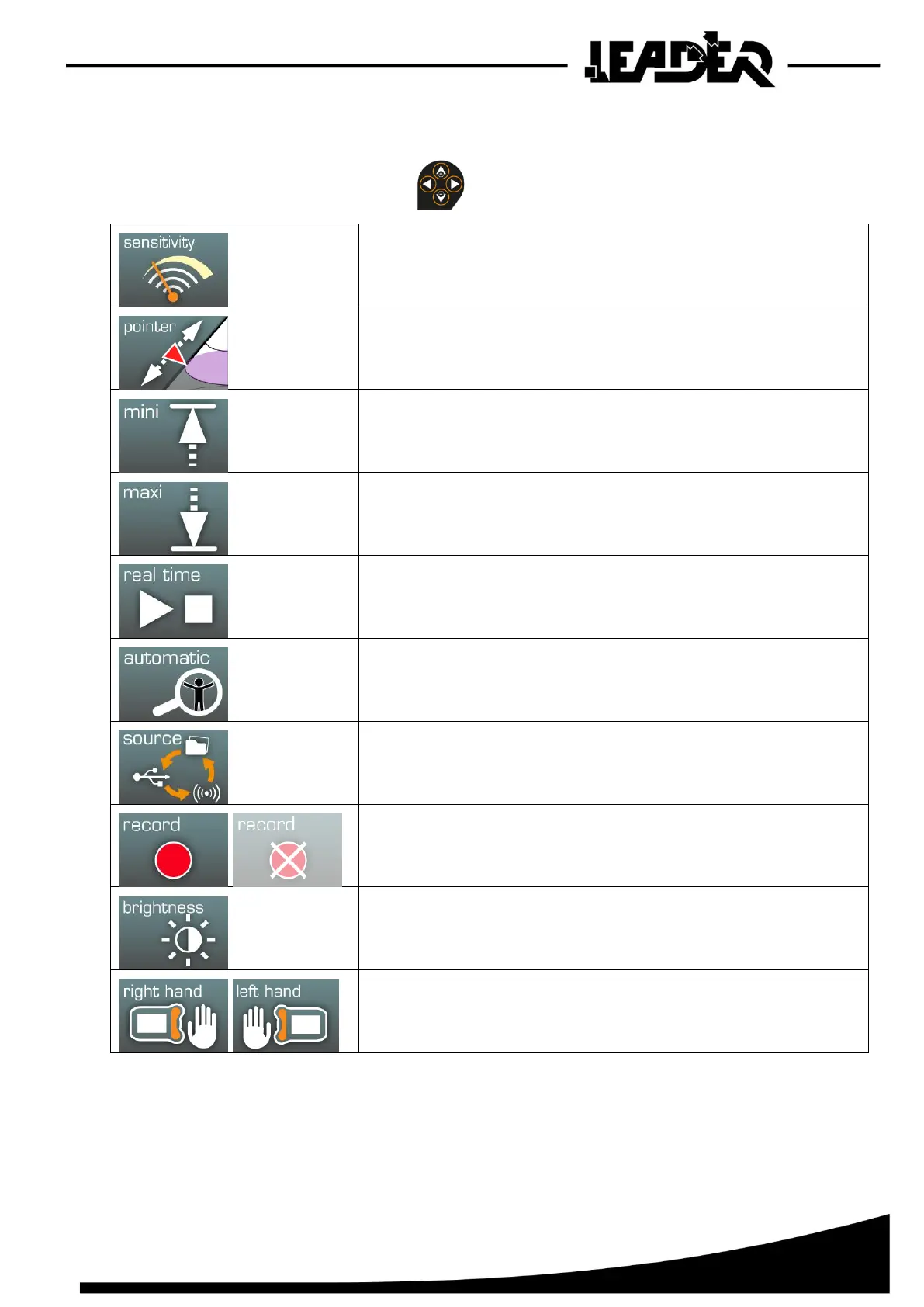
Sensitivity: Adjustment of the UWB sensor’s sensitivity
(5 sensitivity levels).
Pointer: Allows positioning of the pointer on the side of the cone
to adjust the distance and view the signal of this depth in
the oscillogram.
Mini: Selection of minimum search depth
(start of detection cone).
Maxi: Selection of maximum search depth
(end of detection cone).
Real time: Activation of real-time search mode to view
movement detection of a person in real time.
Automatic: Activation of automatic search mode to view
movement of one or several people via detection by 3m section.
Source: Selection of source: “Auto” source, connection of
sensor with USB or WiFi, “File” source, reading SD card
recordings.
Record: Activation of control screen recording. If the SD card
has not been inserted into the control box, the icon is greyed out.
Brightness: Adjustment of screen brightness.
Right / Left hand: Allows definition of use of the control box by a
left handed or right handed operator.
(reverses image, display of functionalities, and keyboard use).


 To Next Page