26
4.2 Adjustment of search parameters
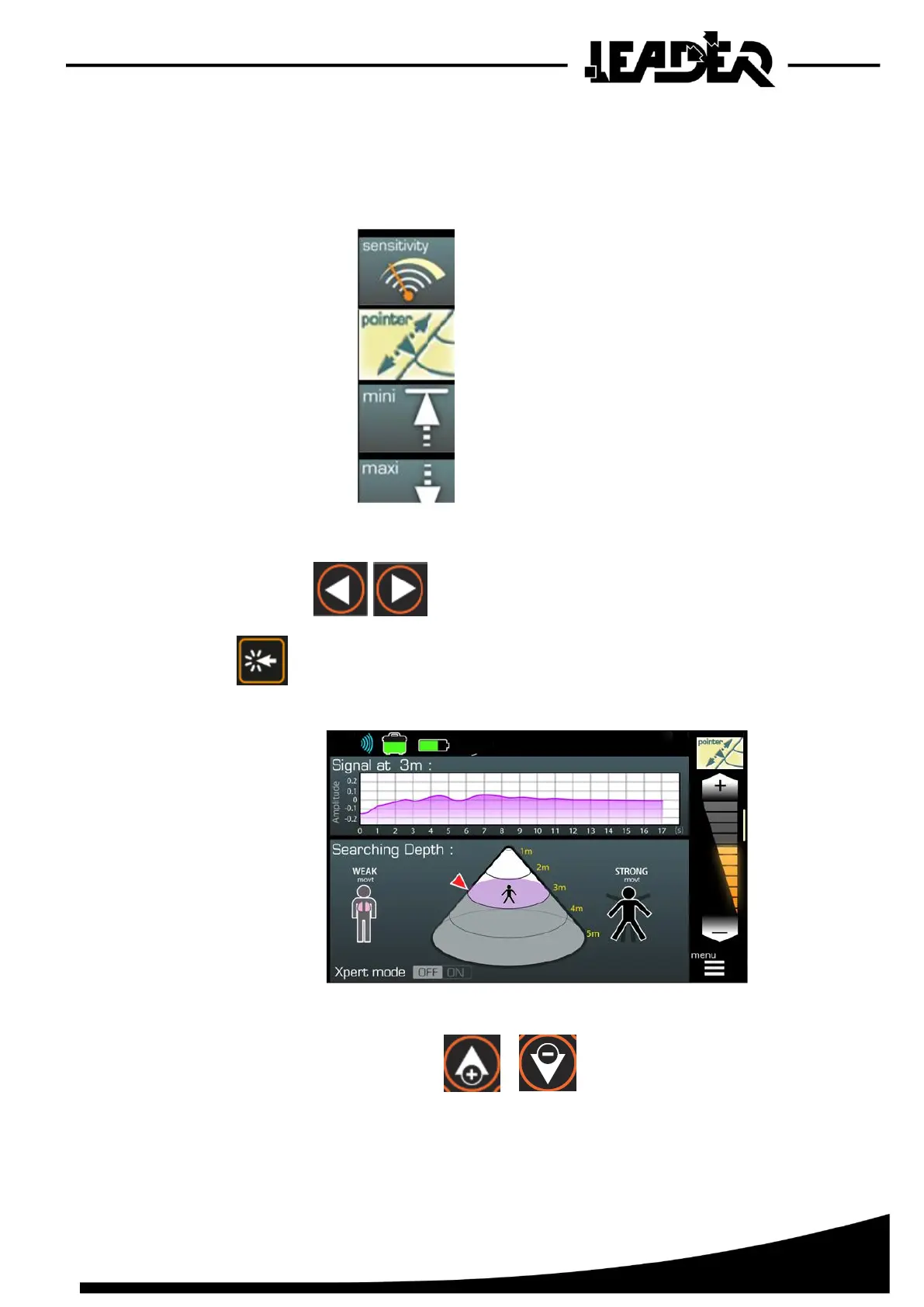
For the Sensitivity, Pointer, Mini, Maxi and Brightness functions, adjustment is as follows:
- Scroll through the menu until you highlight the desired function.
- Once the function is highlighted.
- Use the arrows to directly adjust the chosen function.
Or
- Press on a bar graph appears: modify the settings using the arrows.
- modify the settings using the arrows.
- Press and hold to reach the chosen setting more quickly.



 To Next Page