27
4.3 Sensitivity function
- This function helps adjust the sensitivity of the UWB sensor to be more
or less sensitive. Sensitivity can be adjusted from 0 to 4.
0 = Reduced sensitivity to help ignore major surrounding movements which are too clear. However
the device will be less successful in detecting weak movements.
4 = High sensitivity which helps uncover the weakest movements.
However the device will detect surrounding movements more easily.
2 = Intermediate sensitivity which helps with initial searches with average sensitivity.
4.4 Pointer function
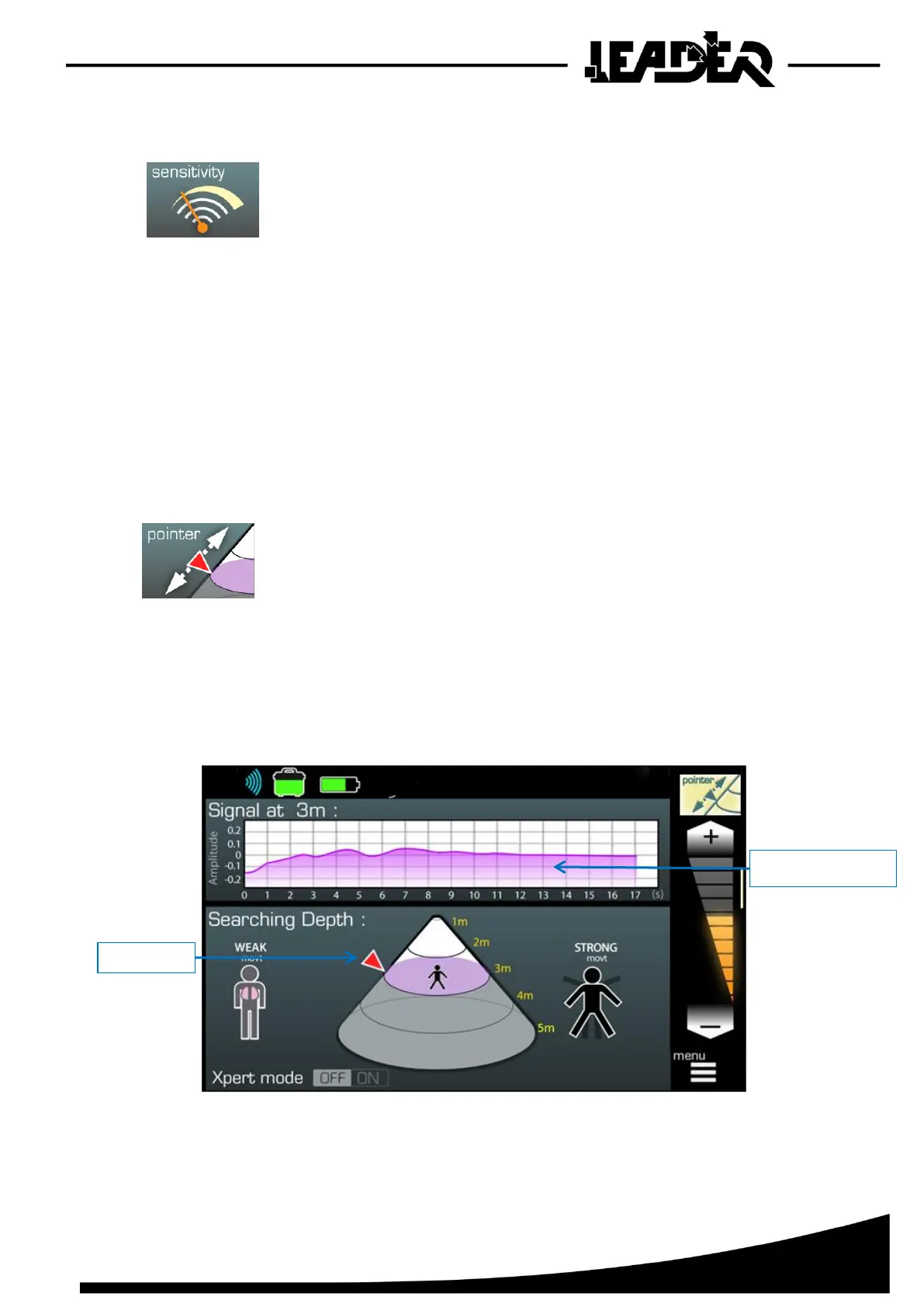
- This function adjusts the position of the pointer on the side of
the cone to adjust the distance at which the user wishes to view
the signal.
The signal can be read on the curve in the oscillogram.
By default the pointer is positioned at 3m (9ft) (with a minimum setting at 0m and a maximum setting
at 5m (15ft)).


 To Next Page