19
3 USE
3.1 Switching the control box on and off
➢ Place a charged battery in the box.
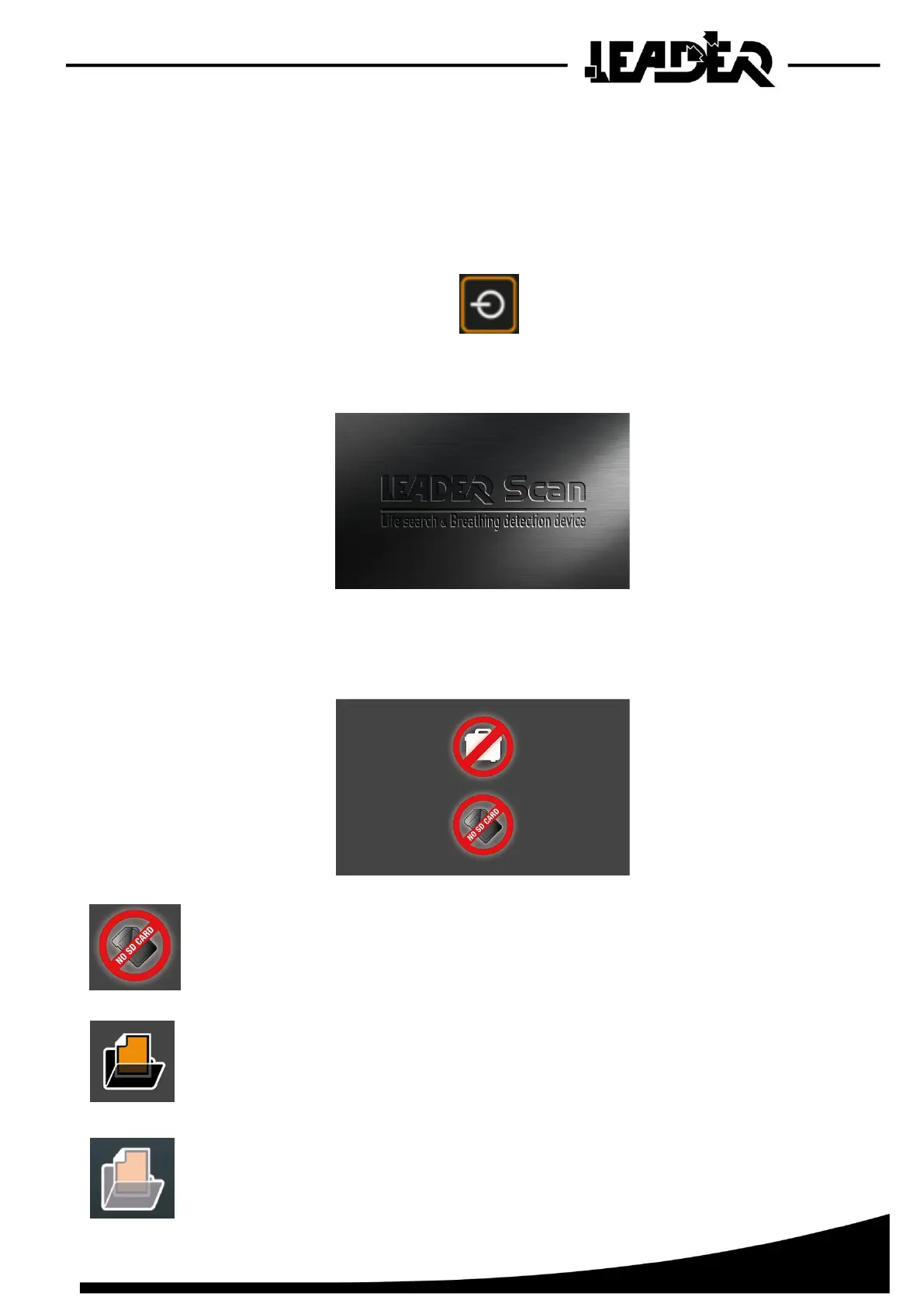
Start: Press the On/Off button
• A welcome screen appears whilst the software starts up.
• When the device has started, this start screen appears if the sensor is not connected
(WiFi or USB):
The icon indicates that there is no SD card inserted, it can appear briefly during
start-up even if an SD card is inserted whilst it is detecting it.
The icon indicates that there is an SD card inserted containing recordings.
The icon indicates that there is an SD card inserted without recordings.


 To Next Page