29
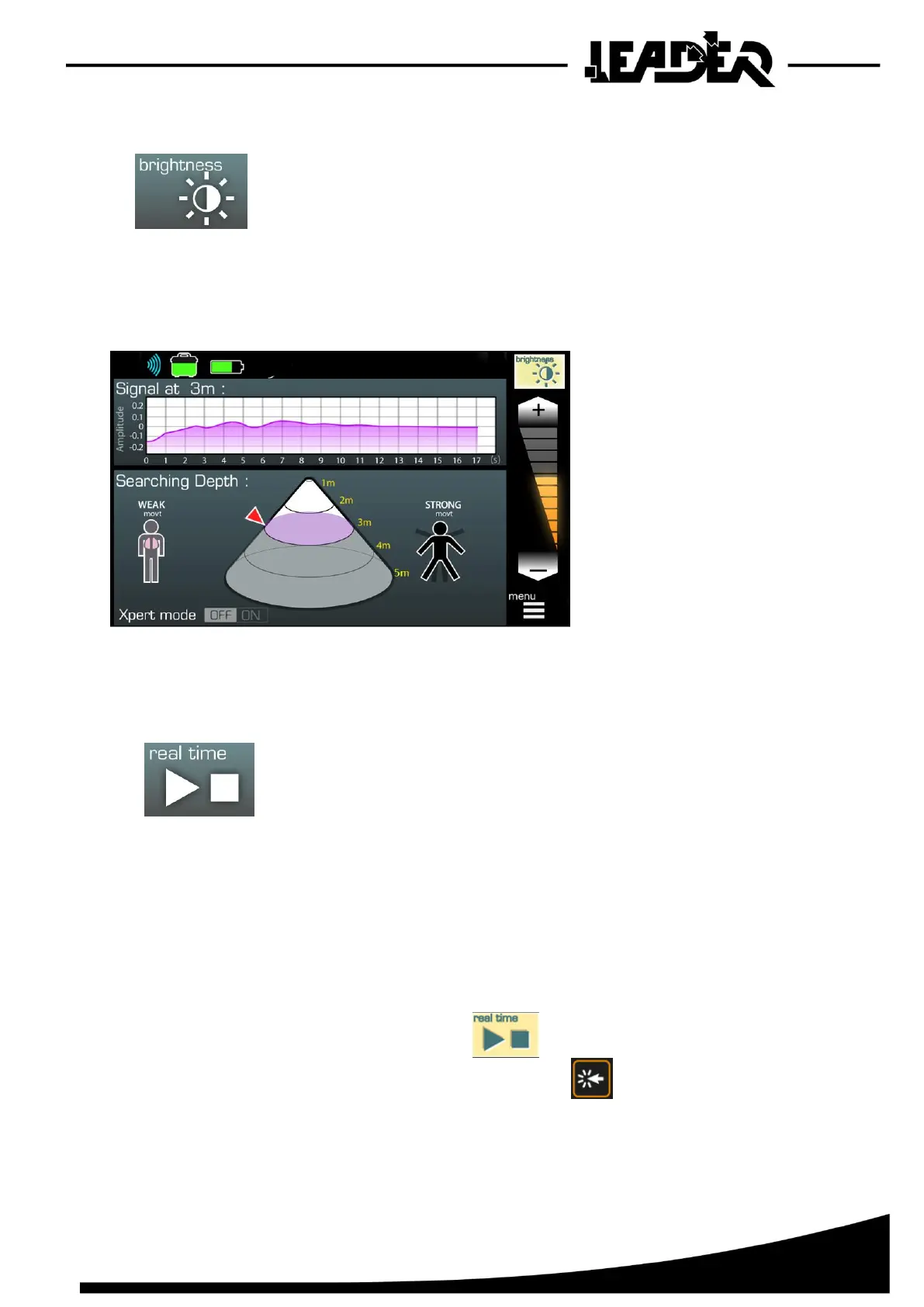
4.7 Screen brightness function
- Adjusts the screen brightness in order to adapt it the surrounding
brightness conditions.
Reducing brightness can save battery energy in use and can increase the equipment’s battery life.
By default, brightness is set to 50% power.
4.8 Real time mode function
- Activates real time search mode to view movement detection in the
entire detection cone in real time and to view the movement signal on
the oscillogram
Unlike Automatic mode, Real time mode constantly scans the defined zone and can only detect and
display one movement/person.
➢ Use of “Real time” mode:
- Adjust the “Mini” and “Maxi” depths to define the search zone.
- Go to the menu and select.
- Launch the “Real time” mode by pressing
An orange triangle starts to flash at the top of the screen.
The device takes 15 to 20 seconds to start before starting the scan.


 To Next Page